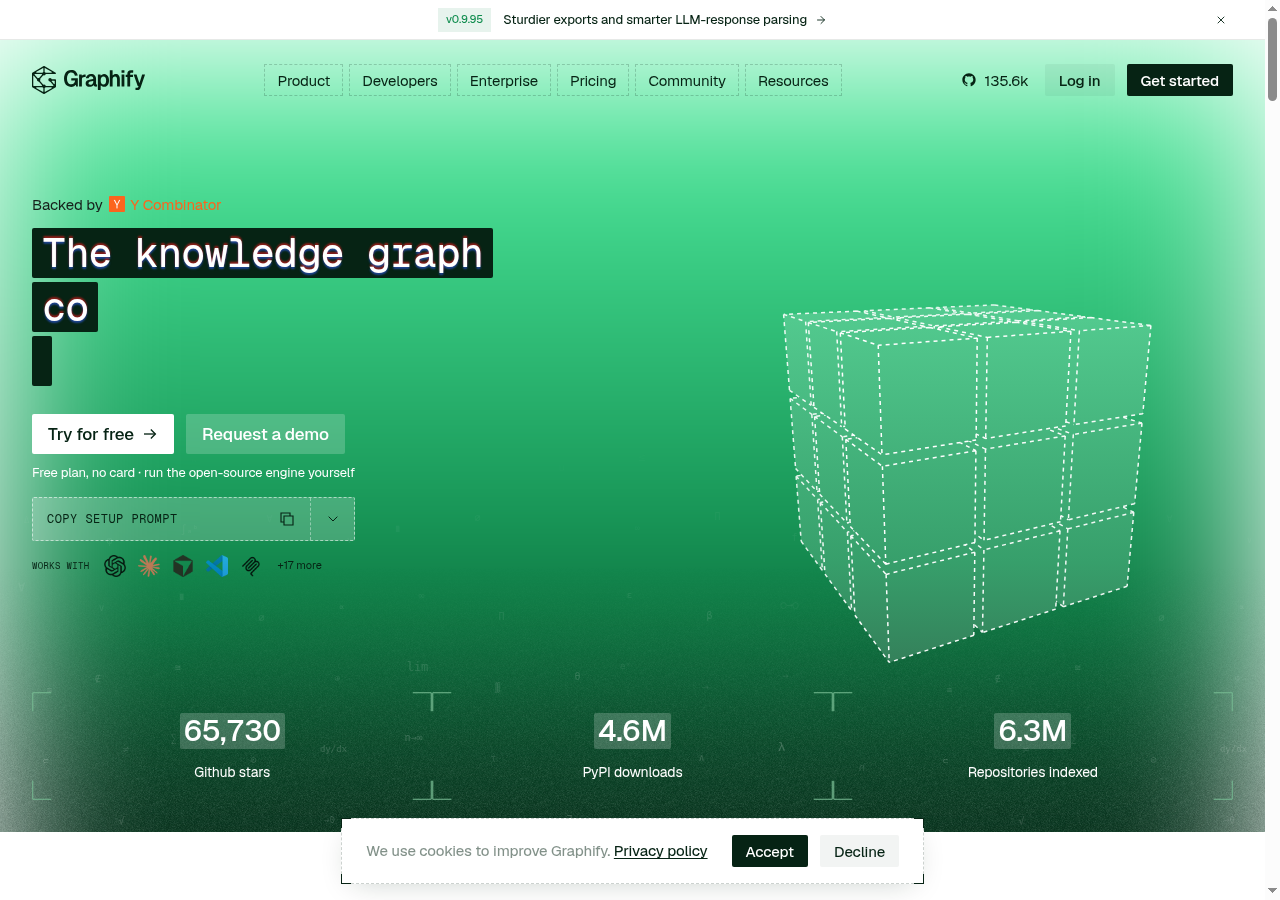
Graphify is an open-source knowledge-graph tool for AI coding assistants. Type /graphify in Claude Code, Cursor, Codex, Gemini CLI, and many other hosts, and it maps a project—code, docs, PDFs, images, and video—into a queryable graph so agents can ask, path-trace, and explain instead of grepping the whole tree. Searches for graphify usually want install steps (the PyPI package is graphifyy), what local AST parsing covers, and how Graphify Cloud differs from the free engine.
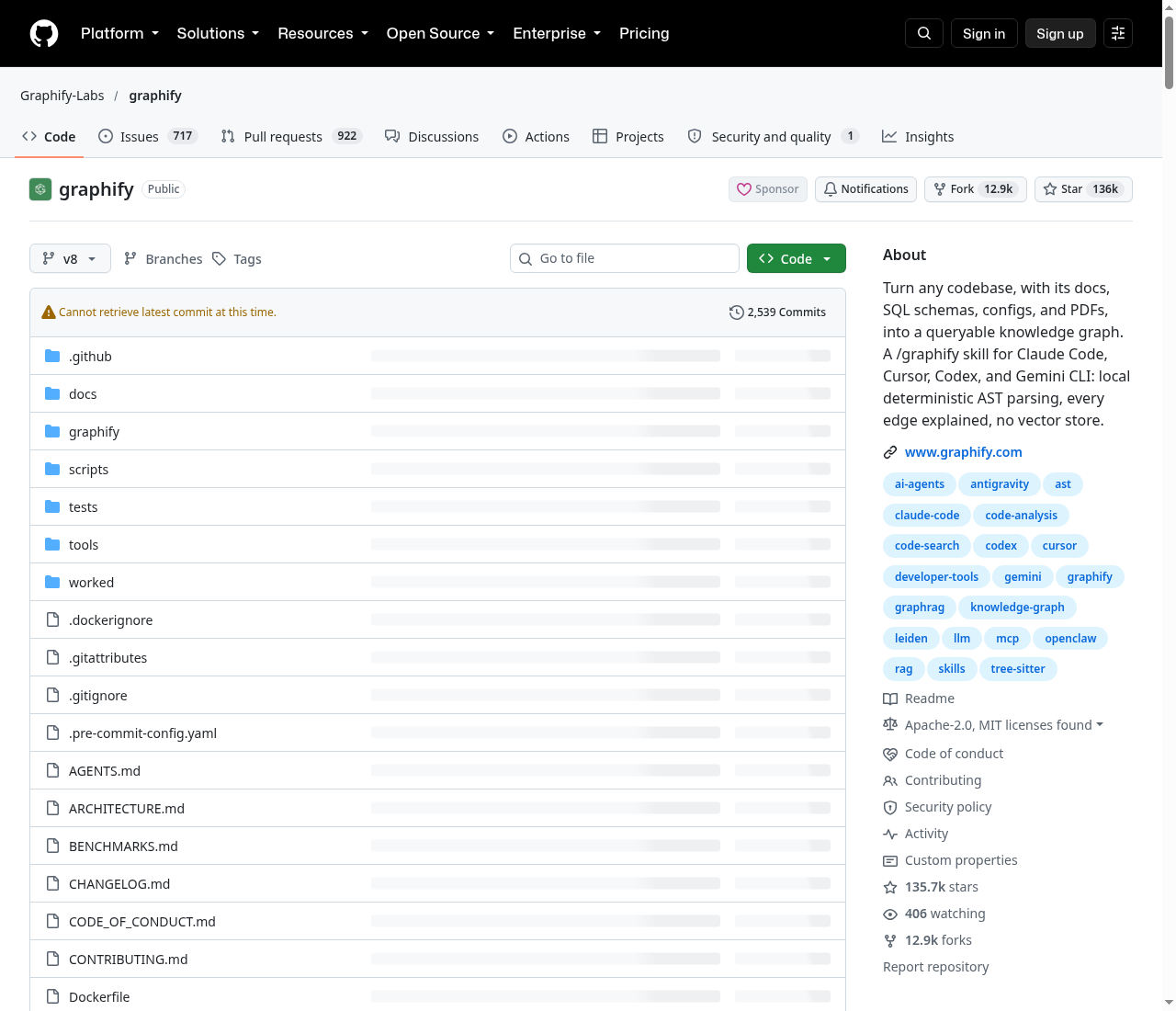
This review summarizes the public site at graphify.com, docs at docs.graphify.com, and the official repository Graphify-Labs/graphify. Benchmark figures below are project-reported from the maintainers’ harness—not independent third-party audits. Check the live GitHub page for current stars, forks, and activity.
What Graphify is
Graphify’s pitch: cut agent token spend by mapping the repo once, then querying the graph. Code is parsed with tree-sitter AST—deterministic, no LLM, nothing leaves your machine for a code-only run. Docs, PDFs, images, and video can take an optional semantic pass through your assistant’s model or a configured API key. Edges are tagged EXTRACTED (explicit in the source) or INFERRED (resolved by Graphify), so you can tell what was read directly from what was inferred.
It is not a vector index: no embeddings store by default. You get a real graph you traverse with graphify query, graphify path, and graphify explain.
Install (official quickstart)
Needs Python 3.10+ and uv (or pipx). From the README:
uv tool install graphifyy      # PyPI package is graphifyy (double-y)
graphify install               # detects your assistant and registers the skill
Then in the assistant chat (not the shell):
/graphify .
That produces graphify-out/ with graph.html (interactive), GRAPH_REPORT.md, and graph.json. The CLI command is still graphify; other similarly named PyPI packages are not affiliated. Docs: Installation.
Platform registration covers Claude Code, Cursor (graphify cursor install), Codex, Gemini CLI, GitHub Copilot, OpenCode, and 20+ more. Project-scoped installs use graphify install --project.
What you get locally
- God nodes — most-connected concepts
- Communities — Leiden (or Louvain fallback) subsystems
- Cross-file links — calls / imports / inherits across ~40 languages via tree-sitter
- Query, path, explain — plain-language questions and shortest paths against
graph.json - Beyond code — docs, PDFs, images, and optional video/audio into the same graph
Common follow-ups: /graphify ./docs --update, graphify hook install for commit rebuilds, and always-on assistant guidance so the agent prefers scoped graph queries over raw grep.
Benchmarks (vendor / project-reported)
The README’s table (same harness, same model budgets, blind-validated judges) headlines LOCOMO recall@10 of 0.497 vs mem0 0.048 and supermemory 0.149; LongMemEval-S QA accuracy 76% (tied with dense RAG in their write-up); and graph builds with 0 LLM credits for code-only AST extraction. Full tables and reproduction notes live in the repo’s BENCHMARKS.md. Treat every figure as publisher evaluation under their harness.
Graphify Cloud vs open-source
Graphify Cloud is the always-on hosted layer: live graph across monorepos and cross-repo SDLC, formal verification claims, code-review context, and connectors (Sentry, Jira, and more). The marketing site positions an ~80% token-spend reduction for agents that stop re-reading the codebase every session. Local graphifyy remains free to run yourself; Cloud is a separate product with a free trial at app.graphify.com.
Who it is for
- Teams whose agents re-read large repos every session
- Developers on Claude Code, Cursor, Codex, or Gemini who want a persistent codebase map
- Orgs that need local-first code indexing (no API key for code-only graphs)
Caveats
- Package name: install
graphifyyon PyPI; the CLI isgraphify - Semantic pass: docs/media need a backend or assistant model; code-only stays offline
- Benchmarks: project-run; your repo and model will differ
- Cloud vs local: hosted always-on features are not the same as the free CLI skill
Sources
- Graphify official site
- GitHub: Graphify-Labs/graphify
- docs.graphify.com
- Installation docs
- README (v8 tag)
Sources verified Oct 26, 2026 (Pacific Time)