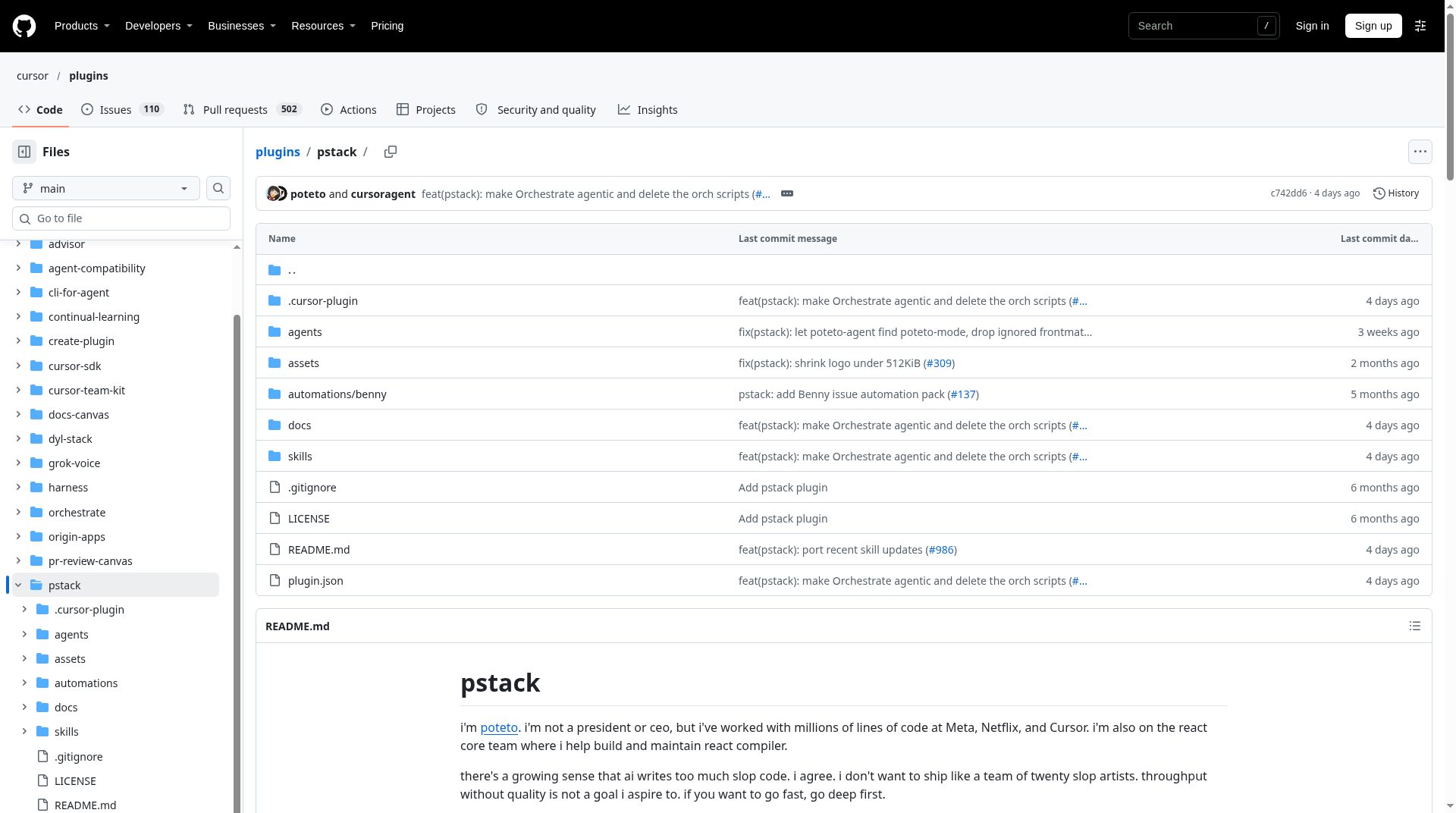
pstack is an open-source Cursor plugin by Lauren Tan—better known online as poteto—that packages the engineering skills and principles she uses day to day while shipping code at Cursor. Official marketplace copy frames the idea plainly: go deep first if you want to go fast; write less code, but make it higher quality; then parallelize agent work with more confidence. This review summarizes what ships in the official plugin as documented on GitHub, how to install it, and who it is (and is not) for.
What pstack is
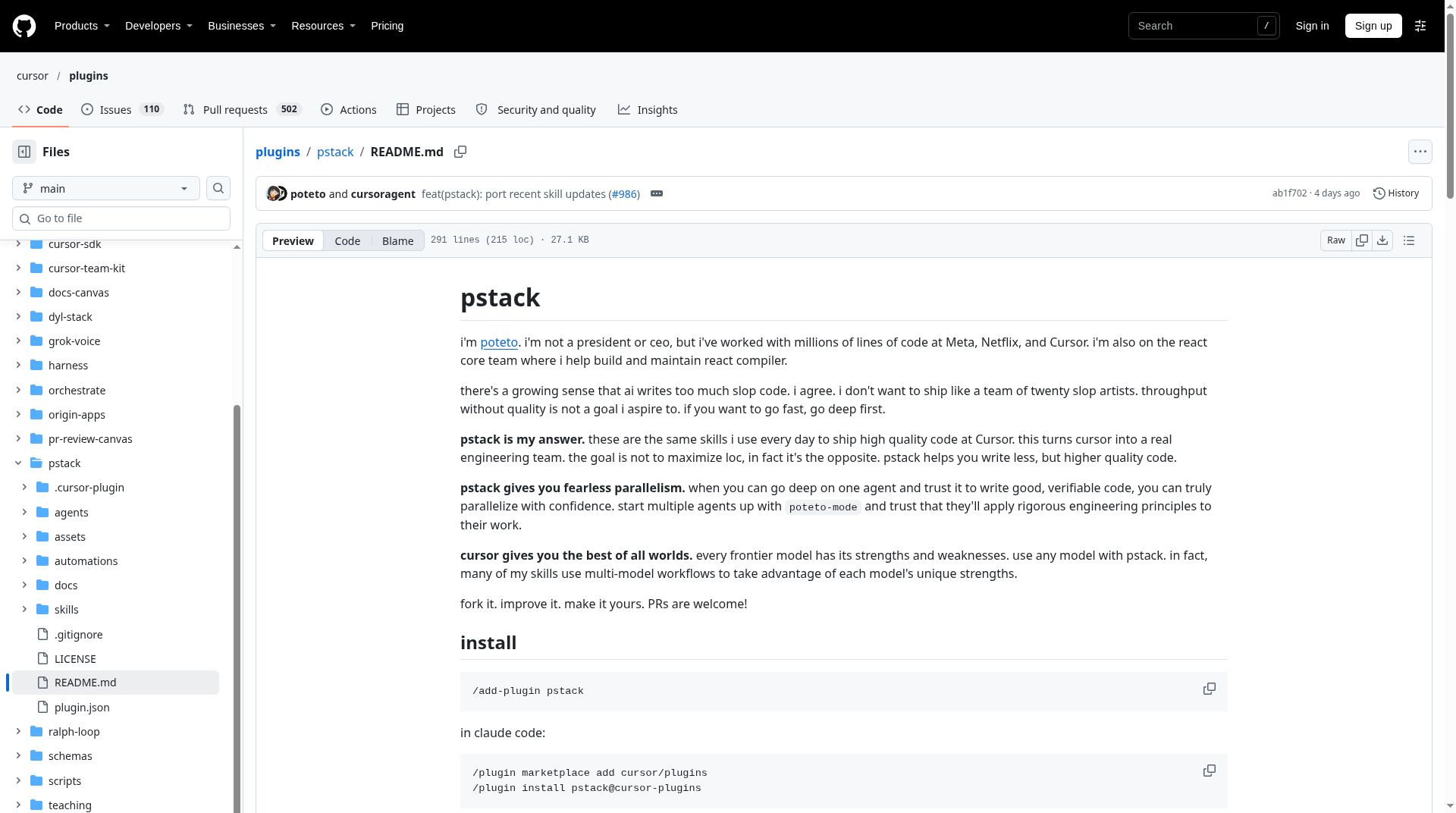
Tan introduces herself in the README as someone who has worked with large codebases at Meta, Netflix, and Cursor, and who also helps build and maintain React Compiler on the React core team. Her stated concern is “slop” code from AI assistants: high throughput without quality. pstack is her answer—a set of agent skills, playbooks, principles, and subagents that steer Cursor toward rigorous, verifiable engineering rather than raw lines of code.
The plugin lives in the official cursor/plugins repository under pstack/. As of the published plugin.json, the package name is pstack, the listed author is Lauren Tan, the license is MIT (copyright Lauren Tan, 2026), and the documented version string is 0.15.36. pstack is not a hosted SaaS product; it is a plugin of slash skills and related assets that run inside Cursor, with an official Claude Code adapter path documented in the same README.
What’s included
The README’s mental model is simple: start most serious work with /poteto-mode, let it pick a playbook, and let that playbook call other skills when a step needs them.
poteto-mode and the twenty-three playbooks
/poteto-mode is the main entry point. When invoked, it matches the task to a playbook, opens a todo list whose first items are that playbook’s steps, routes to other skills as those steps fire, and aims for replies framed for both the consumer and the maintainer.
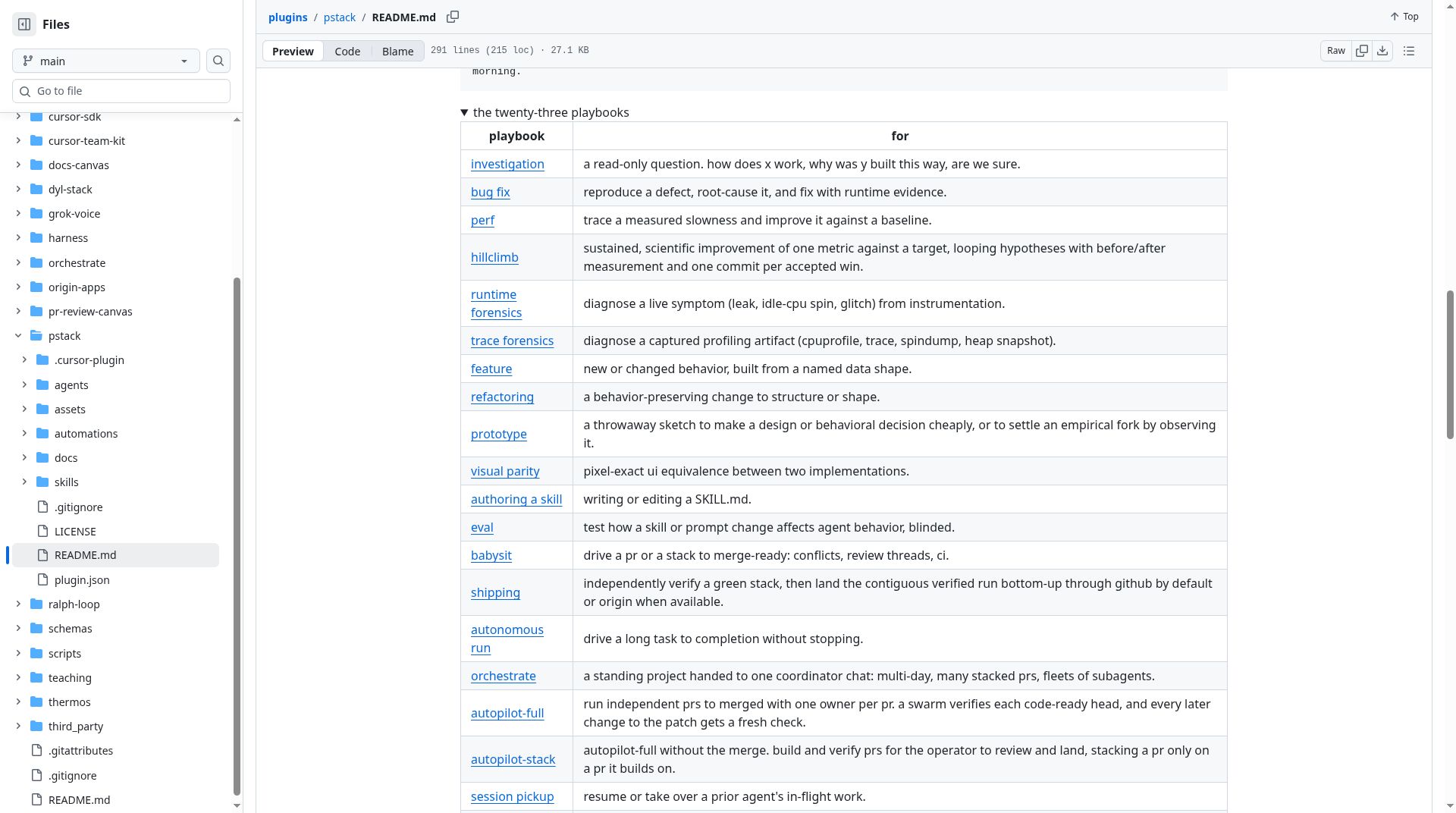
The README lists twenty-three playbooks spanning investigation, bug fix, performance and hillclimb loops, runtime and trace forensics, feature and refactoring work, prototypes, visual parity, skill authoring and evals, PR babysitting and shipping, autonomous and orchestrated runs, autopilot variants, session pickup, pause-safely, multi-phase plans, worktree cleanup, and opening a PR. Several target long or overnight runs—landing stacks, clearing CI and review threads, or coordinating multi-day work with subagents.
Out of the box, the README says the mode splits work by model strength: code-oriented delegates (feature, refactoring, bug fix, perf, hillclimb) go to Grok, while the hardest changes, prose, and judgment go to Opus 5.5, with a default panel of Opus 5.5 / Grok. Those mappings are configurable via /setup-pstack.
Skills you can call directly
Many supporting skills are usually fired by poteto-mode, but you can call them by hand. Notable ones from the README include:
/poteto-help— orientation when you are new or unsure which skill fits/howand/why— how a subsystem works, or why it was built that way (why can query available MCP evidence sources in parallel)/architect— settle types and module shape before crossing a function boundary/arenaand/swarm— parallel attempts or workers, then aggregate/interrogate— adversarial multi-model review of a diff, keeping findings a run can prove/tdd,/unslop, and/technical-writing— test-first fixes and tighter prose/docs/setup-pstackand/automate-me— configure model roles, or draft your own-modeskill on top of pstack- Verification helpers such as
/create-verification-skill,/benchmark-checklist, and/show-me-your-work
The README also documents twenty-four short principle skills—one principle each—covering themes like smallest change, foundational data structures, proving work against the real artifact, fixing root causes, guarding the context window, and encoding lessons in structure. poteto-mode indexes those principles at task start.
Subagents, gaps, and customization
pstack ships a poteto-agent subagent type for delegates spawned during a run, and a read-only Comment Sicko subagent usually reached through /no-comments. A dormant “benny” automation pack for Slack issue triage is included as Cursor automations material (Cursor-only), not as slash skills.
Some referenced capabilities are intentionally not bundled: /deslop, control-cli, and control-ui ship in the separate cursor-team-kit plugin. On planning, Tan’s README is opinionated—Cursor’s plan mode works with pstack, but she personally defaults to code as the best spec; poteto-mode can plan when needed. Pick /poteto-mode from the / menu before typing so Cursor attaches it; Option/Alt+Enter keeps it as a custom mode across turns. It also pairs with Cursor’s /loop for long runs.
How to install
In Cursor, the README’s install command is /add-plugin pstack. For Claude Code, the same README documents adding the Cursor plugins marketplace and installing pstack@cursor-plugins, with notes that auto-update stays off for third-party marketplaces unless enabled, commands are prefixed (so /poteto-mode becomes /pstack:poteto-mode), and a generated harness copy is installed from harness/pstack/.
Getting started is two steps: run /setup-pstack (pick a reasoning budget and models), then use /poteto-mode whenever the work needs rigor. A linked guide under docs/guide/ walks through a first real task; /poteto-help covers “which skill should I use?” questions.
Who it’s for
- Engineers in Cursor who want verification, small diffs, and parallel subagents more than maximum output volume
- Teams experimenting with multi-model routing and willing to configure roles with
/setup-pstack - People doing bug hunts, performance work, stacked PRs, overnight “land the stack” runs, or adversarial review with
/interrogate - Writers and maintainers who want unslopped agent prose and doc standards baked into skills
If you mainly want autocomplete and never open slash skills, pstack will feel like more process than payoff. Its value shows up when you start tasks in poteto-mode and let playbooks drive the steps.
Caveats
- Official source first. Prefer cursor/plugins/pstack. Community mirrors such as ericlitman/open-pstack and backnotprop/pstack present as ports or tracking repos for other hosts—treat them as unofficial.
- Not a full Cursor team kit alone. Some skills poteto-mode may reference live in
cursor-team-kit. - Model defaults can change. Documented defaults mention Grok and Opus 5.5 role splits; older setup rules can pin prior choices until you re-run
/setup-pstack. - Claude Code differs. Commands are prefixed; some Cursor-only steps (for example Bugbot or Automations) are skipped with a note.
- Not a hands-on lab review. Features and install steps above track the public README and
plugin.json—not independent agent-quality benchmarks.
Forking and PRs are welcomed in the README. License terms are MIT.
Sources
- Official pstack directory on cursor/plugins
- pstack README
- pstack README (raw)
- pstack plugin.json
- pstack LICENSE (MIT)
- cursor/plugins repository
- Community mirror (unofficial): ericlitman/open-pstack
- Community mirror (unofficial): backnotprop/pstack
Sources verified Oct 31, 2026 (Pacific Time)