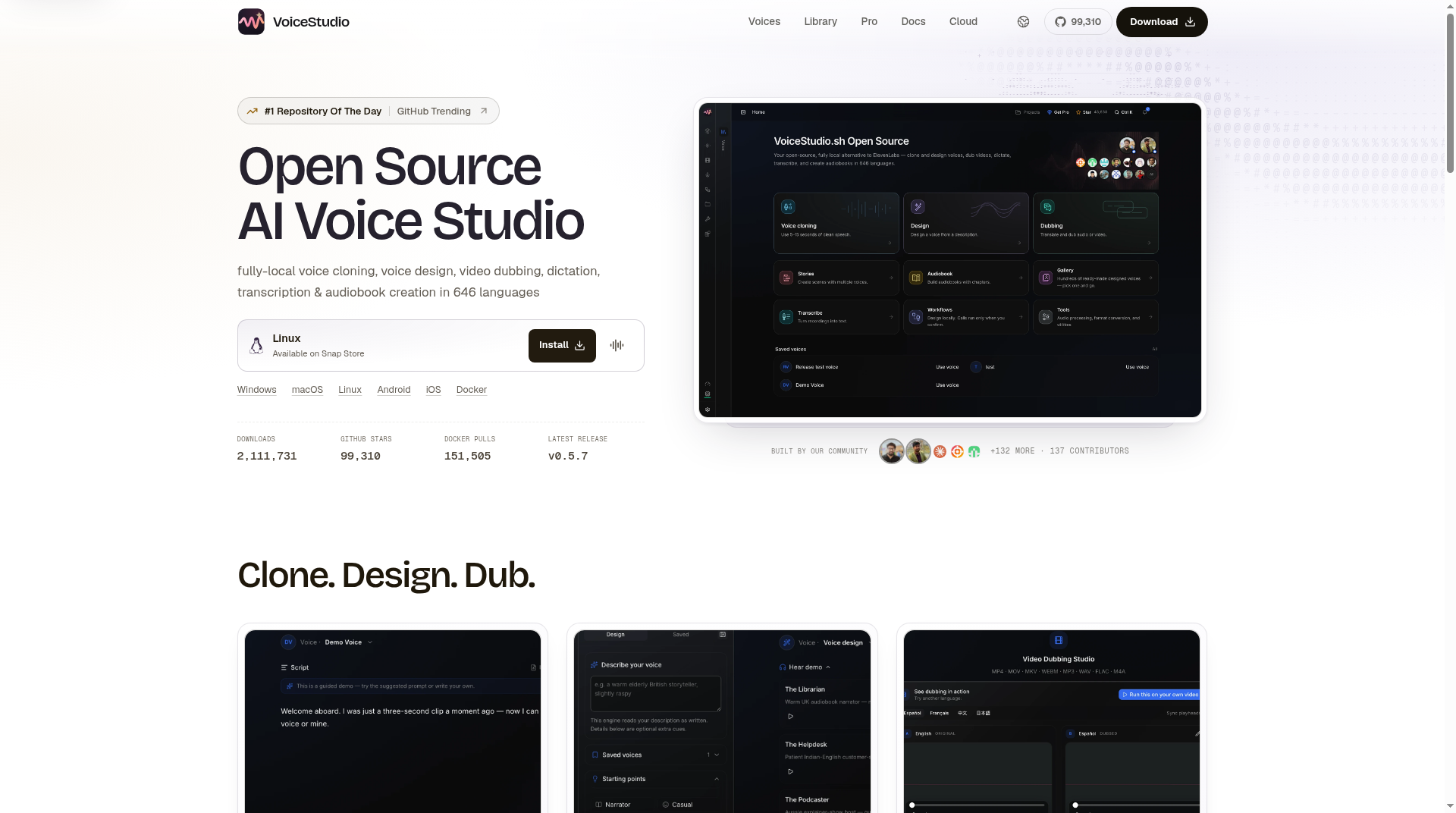
VoiceStudio is an open-source desktop app for fully local AI voice work—cloning, voice design, video dubbing, dictation, transcription, and audiobook creation—framed on its site as a local alternative to cloud tools like ElevenLabs. If you care about keeping reference audio on your machine and reading the licensing fine print before you ship anything commercial, this review walks through what voicestudio.sh and the public GitHub project actually claim.
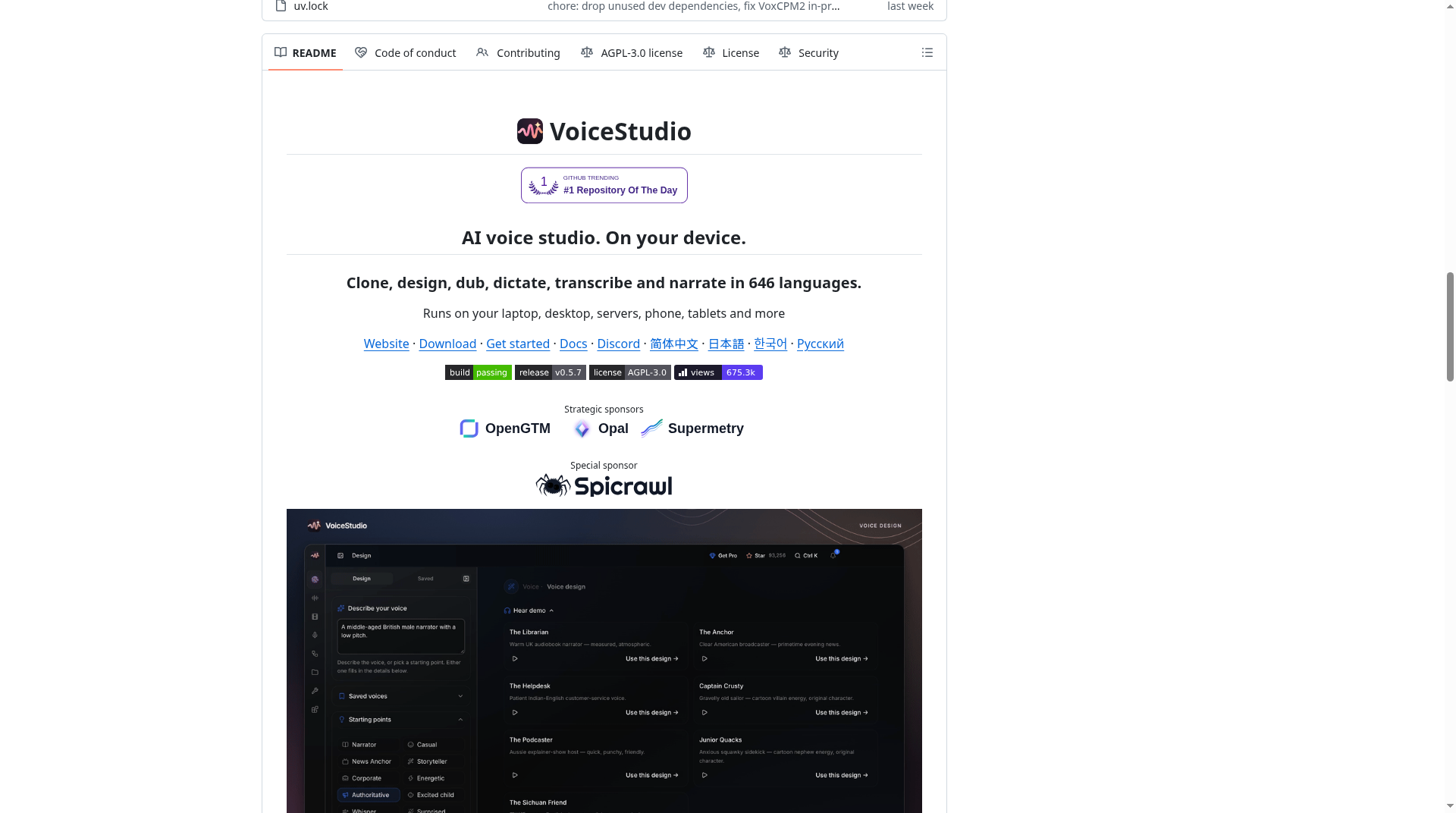
What VoiceStudio is
The project markets itself as an “Open Source AI Voice Studio.” Per the official homepage, it covers clone-from-sample speech, designing a voice from a text description, dubbing video while preserving timing, floating dictation, transcription, and batch/audiobook-style workflows. Language coverage is listed as about 646 languages, and the site is careful to say that figure is engine-dependent rather than a quality ranking.
Public metrics shown on the homepage at research time included roughly 596,000 downloads, about 82,040 GitHub stars, 103,171+ Docker pulls, and a latest-release badge of v0.5.6. Treat those as site-stated counters, not independently audited numbers. Source code lives at github.com/debpalash/VoiceStudio.
Core features that matter day to day
- Clone from a short reference — turn a brief clean sample into new speech in that speaker’s identity (with permission).
- Voice design — describe the voice you want and render it locally.
- Video dubbing — new language or voice while aiming to keep original timing.
- Local model manager — install and switch engines/weights on your machine.
- Floating dictation, transcription, and audiobook/batch flows — useful beyond one-off demos.
- Local API and MCP — the docs describe an OpenAI-compatible local desktop API and an MCP path so agents can speak, clone, and transcribe without a cloud account.
Default speech path in current docs is VoiceStudio OmniVoice (upstream k2-fsa/OmniVoice): zero-shot cloning across the large language set at 24 kHz. Official library notes recommend about 6 GB VRAM on CUDA or ROCm for the PyTorch path; a GGUF native build is documented to run in under 2 GB. CPU is supported but slower. The marketing FAQ also says about 8 GB of system RAM is enough to start, with a GPU mainly speeding things up.
Privacy: local-first, not “never online”
VoiceStudio’s privacy pitch is straightforward: no account required, and audio stays on your machine when you use local engines. The site says the app mainly goes online when you ask it to—checking for updates or downloading a model. That is different from cloud TTS, where uploads are the default path. Configuring a remote engine or other external service changes the data path, so “local” depends on the engines you actually enable.
How it compares to ElevenLabs Cloud (per the site table)
VoiceStudio publishes a sourced comparison against hosted ElevenLabs Cloud. Condensed from that table:
| What | VoiceStudio OSS | VoiceStudio Pro | ElevenLabs Cloud |
|---|---|---|---|
| Runs on | Your machine | Your machine | Their cloud |
| Cost | Free (AGPL app) | About $99/yr or $199 Lifetime | Free tier; paid credit plans |
| Your audio | Stays local | Stays local | Uploaded |
| Source / license for the app | AGPL-3.0 | Closed-source commercial build | Closed (with separate SDK licenses) |
Pro and Lifetime are separate closed-source commercial builds aimed at teams that want commercial app terms and extras. Buying Pro does not rewrite upstream model licenses—more on that next.
Licensing nuance you should not skip
This is the part many “open-source ElevenLabs alternative” headlines gloss over.
- The desktop app is AGPL-3.0. You can run it commercially for the app’s own code, but distributing or hosting modified network services triggers AGPL source obligations. See the plain-language license guide.
- Model weights have separate terms. Site guidance states that the OmniVoice pretrained model is noncommercial, and that a Pro purchase does not override those model terms. The OmniVoice library card discloses CC-BY-NC-style restrictions on commercial model use for the default weights—review the exact files before any paid product workflow.
- Voice consent is separate again. Clone only with the owner’s permission. Impersonation and fraud are explicitly off the table in VoiceStudio’s rules FAQ.
If you need commercial synthesis rights, plan for a model/engine whose terms match your use case—or get counsel—rather than assuming “open-source app” equals “clear commercial voice pipeline.”
Quick how-to: clone a voice (official guide)
The official Clone a voice guide keeps the flow short:
- Add a reference — upload, drop, or record. Start with 5–15 seconds of clean speech from one speaker. Avoid music, echo, clipping, and long silence. If the panel offers a transcript field, enter the exact words spoken; some engines use it for better alignment.
- Write and generate — enter your script, pick language or keep Auto, leave advanced style overrides alone until a plain test works, then choose Synthesize Audio. Compare identity, pronunciation, noise, and pacing.
- Save as profile — name it clearly and keep the source recording private. History and Projects hold later reuse.
A cleaner reference usually helps more than aggressive settings. Always disclose synthetic audio where appropriate.
FAQ-style notes
Do I need a fancy GPU?
Not strictly. The site FAQ says about 8 GB RAM is enough to begin; GPU acceleration makes synthesis faster. For the default OmniVoice PyTorch path, plan around ~6 GB dedicated VRAM on CUDA/ROCm, or try the GGUF build if memory is tight. CPU works, but expect longer waits.
Is it really free?
The AGPL desktop app is free and open source. Pro/Lifetime are paid closed builds (~$99/year or $199 lifetime per the comparison table). Model and voice rights are extra homework either way.
Does it phone home?
No account is required. Online activity is described as update checks and model downloads when you request them—not continuous cloud uploading of your clips.
Can I clone any voice I find online?
No. Only with the owner’s say-so. Treat unauthorized cloning for impersonation or fraud as both a ToS problem and an ethical (often legal) landmine.
Who VoiceStudio is for
VoiceStudio fits creators, indie developers, and privacy-conscious teams who want local cloning, dubbing, and dictation without sending every sample to a SaaS. It is less of a fit if you need a turnkey commercial voice license out of the box, or if you refuse to manage local models and GPU/CPU tradeoffs. Read the app license, the OmniVoice (or other engine) terms, and the cloning consent rules before you build a product on top of it.
For downloads, docs, and the latest release notes, start at voicestudio.sh and the debpalash/VoiceStudio repository.
Sources verified Nov 2, 2026 (Pacific Time): VoiceStudio; GitHub debpalash/VoiceStudio; Clone a voice guide.