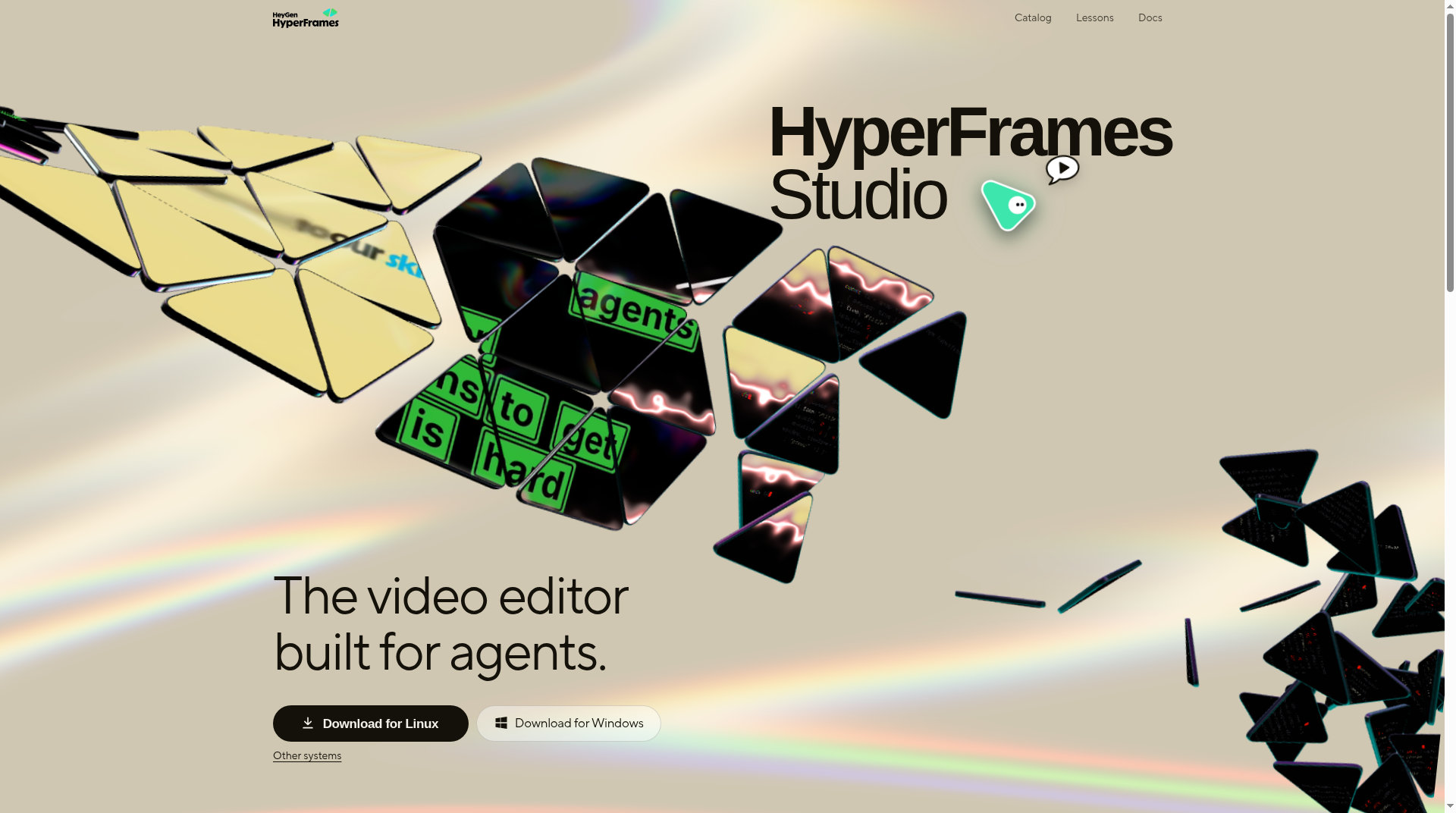
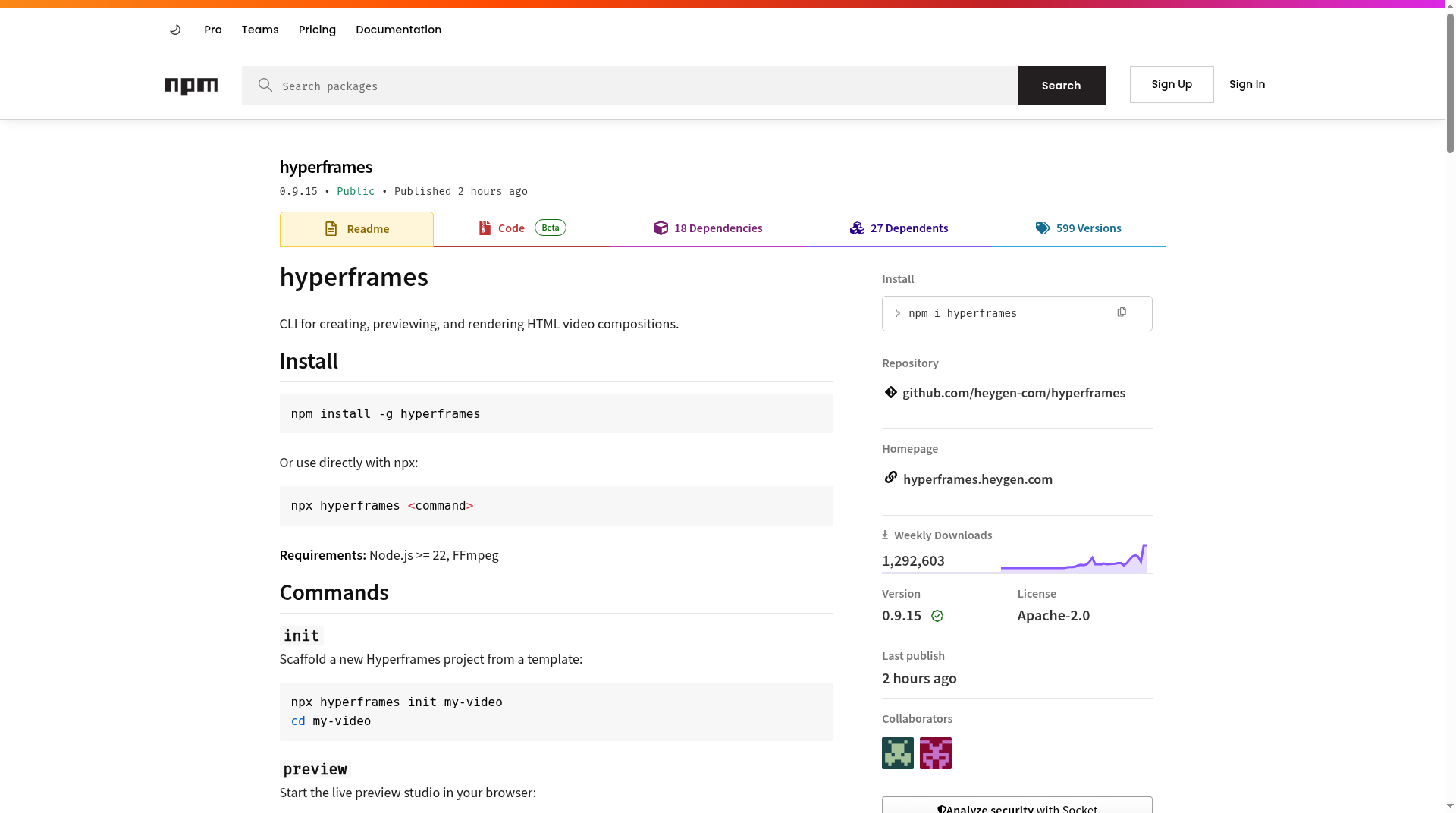
HyperFrames (often searched as hyperframe) is HeyGen’s open-source framework for turning HTML compositions into rendered video—aimed at developers and AI coding agents rather than timeline editors. Official docs summarize it as “write HTML, render video.” The project lives at github.com/heygen-com/hyperframes, with product/docs hubs at hyperframes.heygen.com and developers.heygen.com/hyperframes-overview.
What HyperFrames is
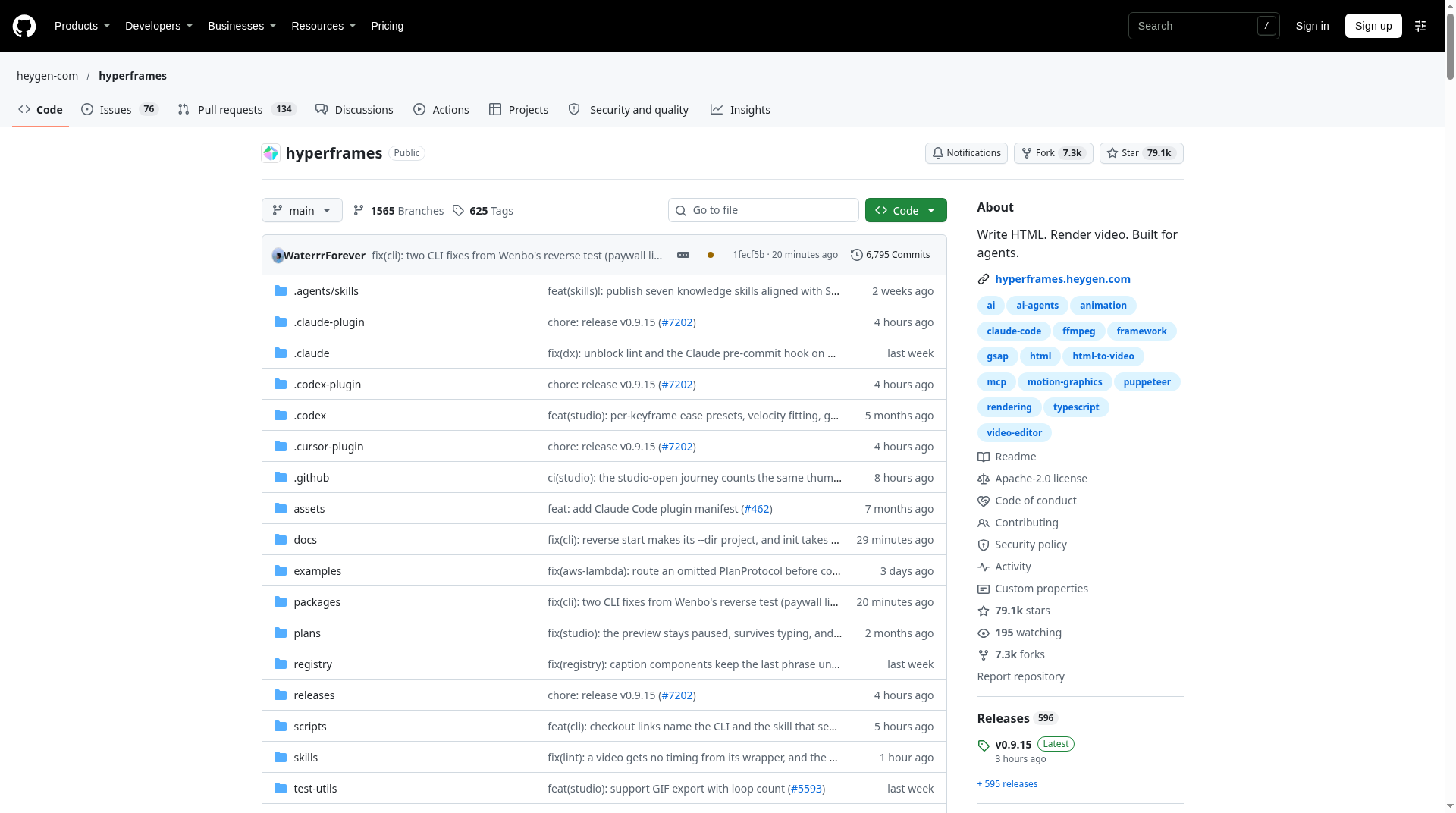
Per the public GitHub README, HyperFrames is a free, open-source stack for turning HTML, CSS, media, and seekable animations into deterministic MP4 videos. You can author and render locally with the CLI, drive the same loop from AI coding agents via skills/plugins, or treat the engine as the composition layer behind hosted workflows.
HeyGen’s Help Center is explicit that HyperFrames is not the regular HeyGen Studio timeline editor: it is a developer- and agent-focused framework. The companion HyperFrames Studio desktop app (Mac, Windows, and Linux per the project site) is described as free to use; optional paid Studio plans and HeyGen cloud features sit beside the open-source core rather than replacing it.
Who it is for
- Developers who already think in HTML/CSS/JS and want video as a programmable artifact (product intros, social clips, captions/overlays, data viz, explainer motion).
- AI coding agents (Help Center examples include Claude Code, Cursor, Gemini CLI, and Codex) that can scaffold, edit, lint, preview, and render compositions from prompts once HyperFrames skills are installed.
- Automation / CI pipelines that need the same composition to produce the same frames every run—HeyGen’s developer overview stresses deterministic, parameterized rendering for backends that generate many variations from one bundle.
It is a weaker fit if you want a no-terminal, avatar-first SaaS editor only. For that path, HeyGen’s main product surface still applies; HyperFrames is the HTML→video layer.
HTML + data-* composition model
Compositions are ordinary web pages. Timing and tracks are expressed with HyperFrames data-* attributes on elements (the README’s sample uses attributes such as data-composition-id, data-start, data-duration, data-width/data-height, data-track-index, and data-volume on media). Motion is not locked to one proprietary timeline format: the project documents adapters for GSAP (default), CSS via WAAPI, Lottie, Three.js, Anime.js, or a custom FrameAdapter.
HeyGen’s developer overview also describes variables (parameterized values you can override at render time) so one HTML bundle can produce many finished videos—useful for agent and pipeline workflows.
On the component side, the same overview advertises a library of 150+ prebuilt blocks and components (charts, social cards, lower thirds, transitions, mockups, and similar). Separately, the GitHub README’s /hyperframes-registry skill description says about 450 ready-made blocks/components installed as editable source. Treat those as two official counts from different pages, not a single audited inventory.
Local CLI: init, preview, render
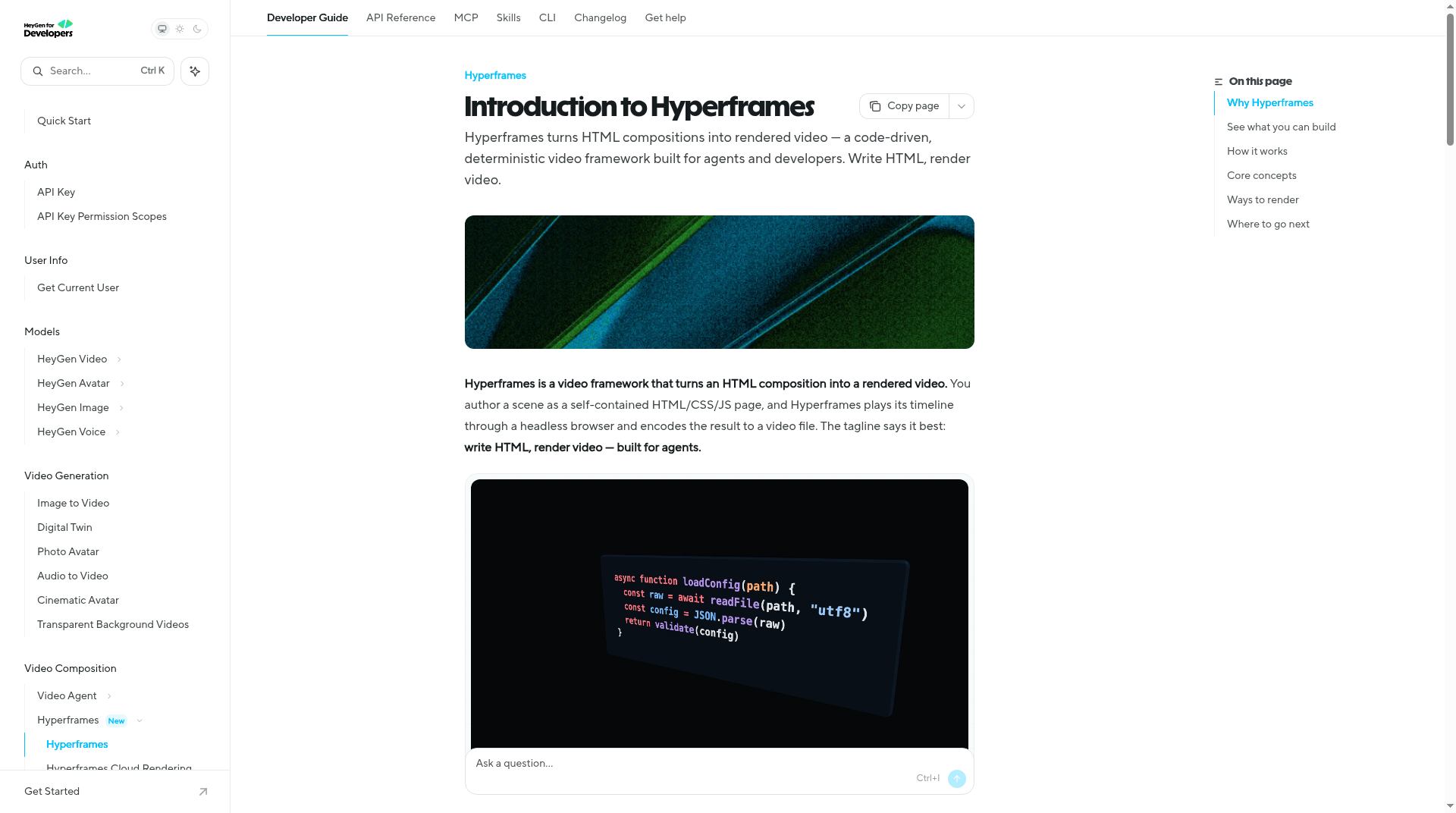
The published npm package is hyperframes. At research time the registry listed version 0.9.15, license Apache-2.0, and engines node: >=22. Official install paths:
npx hyperframes init my-video
cd my-video
npx hyperframes preview
npx hyperframes render
Requirements stated on npm and GitHub: Node.js 22+ and FFmpeg for local encoding. Helpful companion commands documented on npm include npx hyperframes doctor (environment check for Chrome/FFmpeg/Node), lint, browser (bundled Chromium management), and agent-oriented skill updates.
Agent onboarding (Help Center / research post) commonly starts with:
npx skills add heygen-com/hyperframes
Then prompt the agent with an explicit HyperFrames skill (for example, create a short product intro with title, background footage, and music). Claude Code also has a documented plugin marketplace install path on the GitHub README.
How deterministic rendering works (official research)
HeyGen’s research essay “HTML to Video Was Not Easy” (James Russo; page date Jun 22, 2026) explains why “just play the page and record” fails for agents: browsers are asynchronous and nondeterministic. HyperFrames’ contract is different:
- Each composition exposes a runtime like
window.__hf = { duration, seek }. - The renderer never calls
play(). It seeks to each frame time, screenshots, then advances (e.g. seek 0, 1/30, 2/30… for 30 fps). - On Linux production/CI paths, capture uses headless Chrome with CDP
HeadlessExperimental.beginFrameand deterministic flags; the post states macOS/Windows fall back to screenshot heuristics. - Embedded
<video>is not left to Chrome’s decoder during capture: FFmpeg pre-extracts frames to JPEGs and the pipeline injects stills so motion libraries still see a stable element. - Authoring rules called out in the essay include avoiding
Date.now(), unseededMath.random(), and network fetches at render time if you want reproducibility.
Studio preview and headless render share the same seek runtime—preview/render parity is a first-class design goal, not a marketing aside.
Relationship to HeyGen Studio and cloud rendering
Local self-hosted rendering (laptop, Docker, or your own cloud such as AWS Lambda / Google Cloud Run per the developer overview) needs no HeyGen account for the open-source path. Separately, HeyGen documents Hyperframes Cloud Rendering: upload a project bundle and render on HeyGen infrastructure via the API (e.g. create/get HyperFrames render endpoints under the developer platform).
You can also composite HeyGen avatar footage, music, and SFX inside a HyperFrames composition—the docs describe that as a pipeline that combines avatar generation APIs with HyperFrames renders. That is optional glue, not a requirement to try the CLI.
The HyperFrames FAQ states the framework, CLI, and skills are Apache 2.0 and that rendering on your own computer is free with no account; agent subscriptions and optional HeyGen-hosted features (voices, avatars, cloud exports) bill through their own products.
Pros and cons (practical)
Pros
- HTML-native authoring—no React/Remotion requirement for the core model (Remotion is discussed in FAQ as a different React-based approach).
- Agent-friendly CLI and skills; non-interactive flows are documented for coding-agent sessions.
- Deterministic seek/screenshot pipeline designed for CI and reproducible variants.
- Apache-2.0 framework license with explicit FAQ language allowing commercial use of HyperFrames under that license (media you bring keeps its own terms).
- Local preview before encode; optional cloud render when you do not want to run Chrome/FFmpeg yourself.
Cons / caveats
- You still need a modern Node toolchain, FFmpeg, and a working Chrome/Chromium path (
doctorhelps, but this is not a one-click consumer app). - True “beginFrame” determinism is strongest on the Linux headless path described in the research post; other OSes use a different capture strategy.
- Compositions that fight the clock (unowned
requestAnimationFrameloops, non-adapted CSS keyframes, live network randomness) will break reproducibility—the contract is strict on purpose. - Block/component counts differ across official pages (150+ vs about 450); catalog coverage is large but you should verify the block you need exists before promising a client deliverable.
- Avatar generation, premium voices, and hosted Studio Pro features are separate paid HeyGen surfaces—do not assume the OSS render path includes them.
Who should try HyperFrames
Try it if you (or your coding agent) can already ship a web page and you want short-form motion, parameterized product videos, or automated HTML→MP4 pipelines with an Apache-2.0 core. Start with npx hyperframes init, preview, and render, or install the skills and ask the agent to build a 10-second intro.
Skip or postpone if you only want a browser GUI for talking avatars with no terminal, or if your team cannot maintain Node 22 + FFmpeg + headless Chrome in CI.
Primary links to keep: GitHub repo, HyperFrames site, developer overview, HTML-to-video research post, HyperFrames × HeyGen help article, and the npm package.
Sources verified Nov 4, 2026 (Pacific Time): github.com/heygen-com/hyperframes; hyperframes.heygen.com; developers.heygen.com/hyperframes-overview; heygen.com/research/html-to-video; help.heygen.com HyperFrames × HeyGen; npmjs.com/package/hyperframes; hyperframes.heygen.com/faq.