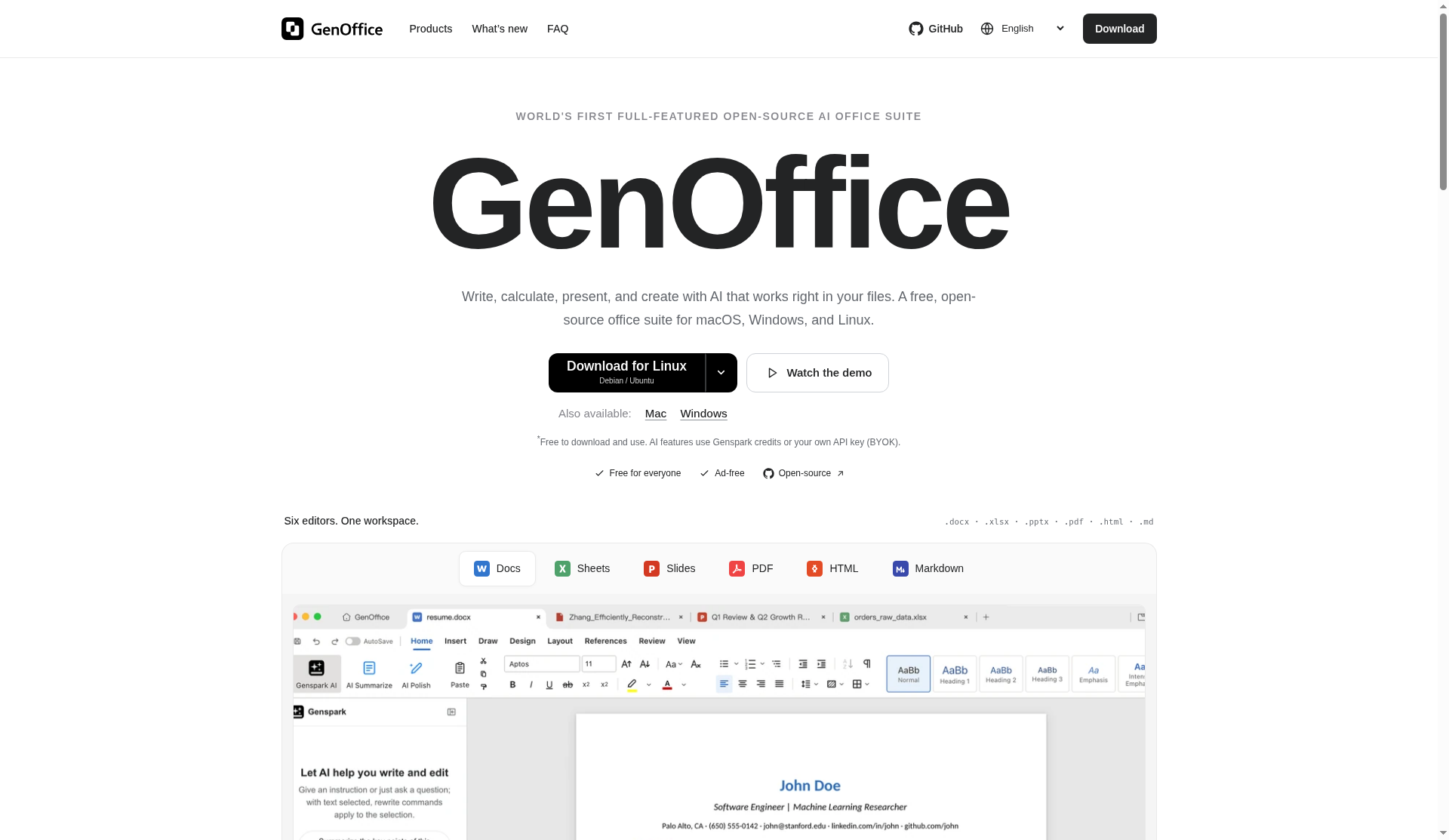
GenOffice is a free, open-source AI office suite from Genspark. It is a desktop app for macOS, Windows, and Linux that opens and saves real Office-style files—Docs, Sheets, Slides, PDF, plus HTML and Markdown—with optional AI that works inside those files. You can use Genspark credits or bring your own API key (BYOK).
What is GenOffice?
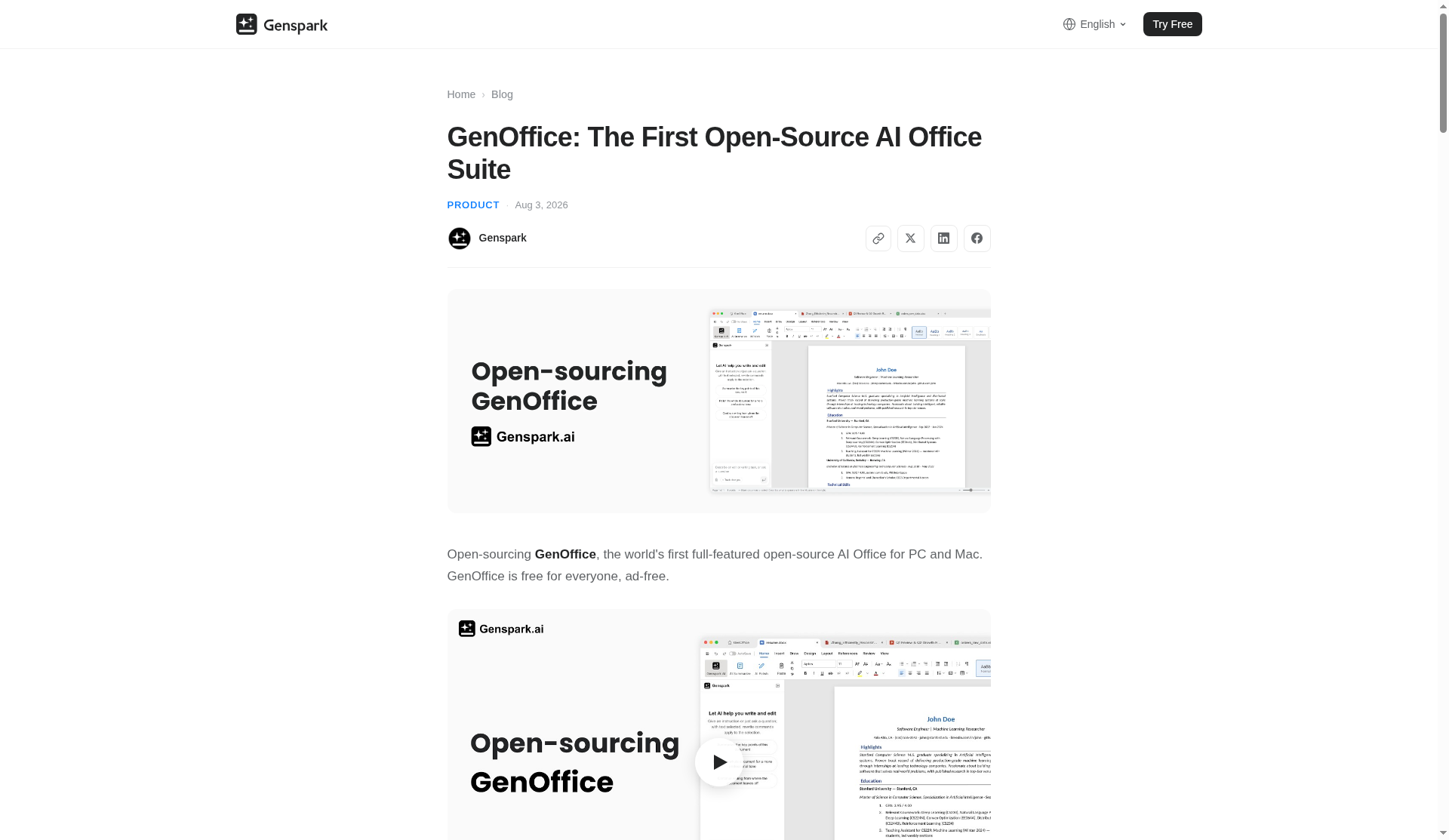
On genoffice.ai and genspark.ai/genoffice, GenOffice is described as: write, calculate, present, and create with AI that works right in your files. Genspark’s product blog (August 3, 2026) called it the first full-featured open-source AI Office for PC and Mac, free for everyone and ad-free.
The open-source code lives at github.com/genspark-ai/genoffice. The repository also advertises a genoffice CLI and agent skill so tools like Claude Code, Codex, and Cursor can create and edit real .docx / .xlsx / .pptx files locally with a bring-your-own-key setup.
Platforms and system requirements
Official downloads cover three desktop families:
- macOS 11+ — Apple Silicon and Intel
- Windows — Windows 10+ (x64) and Windows 11+ (ARM64)
- Linux — x86_64 with glibc 2.34+ (Debian/Ubuntu packages, AppImage, Fedora/RHEL)
GenOffice is positioned as a local desktop workspace, not a browser-only Google Docs clone. Opening, editing, saving, and PDF-to-Office conversion run on your computer; online AI only sends requests when you use AI features.
Six editors in one workspace
GenOffice ships six editors that share one workspace. Supported formats include .docx, .xlsx, .pptx, .pdf, .html, and .md.
GenOffice Docs
Opens and saves real .docx files with a byte-preserving approach: only what you change is rewritten. You can draft, restyle, or rewrite a section from a prompt without bouncing to a separate chatbot window.
GenOffice Sheets
Uses an in-house .xlsx engine with charts, pivot tables, and slicers. The product pitch is that you can ask AI to build something like a budget tracker and have formulas written into cells.
GenOffice Slides
Native .pptx with masters, layouts, and smart guides. Describe a topic and get a deck you can present or keep editing—storyline planning and slide drafting are part of the AI workflow described by Genspark.
GenOffice PDF
Edit text and images on the page while aiming to preserve original fonts. You can convert a PDF into editable Word, Excel, or PowerPoint locally. Official FAQ notes that PDF-to-Office conversion does not consume AI credits; scanned-page OCR is supported on macOS and Windows. Direct text/image editing, annotations, and forms are also listed.
GenOffice HTML
Generate landing pages, reports, or posters as self-contained HTML files. The flow is design-first: pick a brief, refine visually, then export to PDF or Word.
GenOffice Markdown
A distraction-free Markdown editor for headings, lists, tables, and code blocks, saved back as plain Markdown.
Free vs AI credits / BYOK
Official pricing language is clear:
- Office apps: free to download and use—no license fees, no ads, no watermarks.
- AI features: use Genspark credits or bring your own API key (BYOK). Your model provider’s usage charges may apply when you BYOK.
- Local conversion: PDF-to-Office conversion runs locally for free without AI credits.
Built-in AI providers listed on the product site include Claude, OpenAI, Gemini, and more, plus custom OpenAI-compatible endpoints. You do not need a Genspark account if you prefer BYOK.
Privacy note from the official FAQ: official builds send limited usage statistics by default; you can turn them off in Settings → General. Review the privacy policy for details.
How GenOffice differs from Microsoft Office
Microsoft 365 / Office remains the enterprise standard for compatibility, IT admin controls, and deep desktop feature parity. GenOffice’s official pitch is different:
| Dimension | GenOffice | Microsoft Office / Microsoft 365 (typical) |
|---|---|---|
| License | Free, open-source desktop suite | Commercial license / subscription |
| AI model | Genspark agent or BYOK (Claude, OpenAI, Gemini, custom endpoints) | Microsoft Copilot and Microsoft-controlled AI stack |
| File formats | Opens/saves .docx, .xlsx, .pptx; edits PDF/HTML/Markdown | Native Office formats with long-running compatibility focus |
| Cost of core editing | Free; AI optional and metered via credits or your keys | Paid suite; Copilot often an add-on |
| Where work runs | Local desktop; AI calls only when invoked | Desktop + cloud Microsoft services ecosystem |
| Maturity | Open-source product; Genspark’s Aug 2026 post framed the launch as Alpha with known rough edges | Mature, widely deployed in enterprises |
GenOffice itself warns that complex formatting can vary—check important files before sharing. That is the practical trade-off versus Microsoft’s decades of document fidelity work.
Who should try GenOffice
- Individuals who want Word/Excel/PowerPoint-compatible files without a Microsoft subscription
- Teams that want AI inside Docs/Sheets/Slides/PDF with choice of model keys
- Developers who want an open-source office stack plus a CLI/agent skill for local document automation
- Anyone who needs local PDF conversion or light PDF editing without uploading every file to a web converter
Getting started in practice
A sensible first session looks like this:
- Download the build for your OS from genoffice.ai or genspark.ai/genoffice.
- Open a non-critical
.docx,.xlsx, or.pptxand confirm round-trip saving before you trust GenOffice with final client files. - Try a local PDF conversion (no AI credits) if that is part of your workflow, then spot-check tables and fonts.
- Only then connect AI—either sign in with Genspark credits or paste a BYOK key for Claude, OpenAI, Gemini, or a compatible endpoint.
- If you care about telemetry, disable limited usage statistics under Settings → General as described in the official FAQ.
Genspark’s August 2026 announcement framed the release as an Alpha: expect bugs and missing features, and use GitHub issues or pull requests if you want to help. That transparency matters more than polished marketing claims when you are choosing an office suite for daily work.
FAQ
Is GenOffice really free?
Yes for the office apps (no ads, no watermarks). AI features use Genspark credits or your own API key; provider usage fees may apply for BYOK.
Can I open existing Microsoft Office files?
Yes—GenOffice opens and saves .docx, .xlsx, and .pptx, and edits PDF, HTML, and Markdown. Complex formatting may not round-trip perfectly; verify critical documents.
Does it work offline?
Opening, editing, saving, and PDF-to-Office conversion run locally. AI features need a network connection when you invoke them.
Do I need a Genspark account?
No. You can sign in with Genspark or bring your own model API key.
Sources verified Oct 14, 2026 (Pacific Time): genoffice.ai; genspark.ai/genoffice; Genspark GenOffice blog (Aug 3, 2026); github.com/genspark-ai/genoffice.