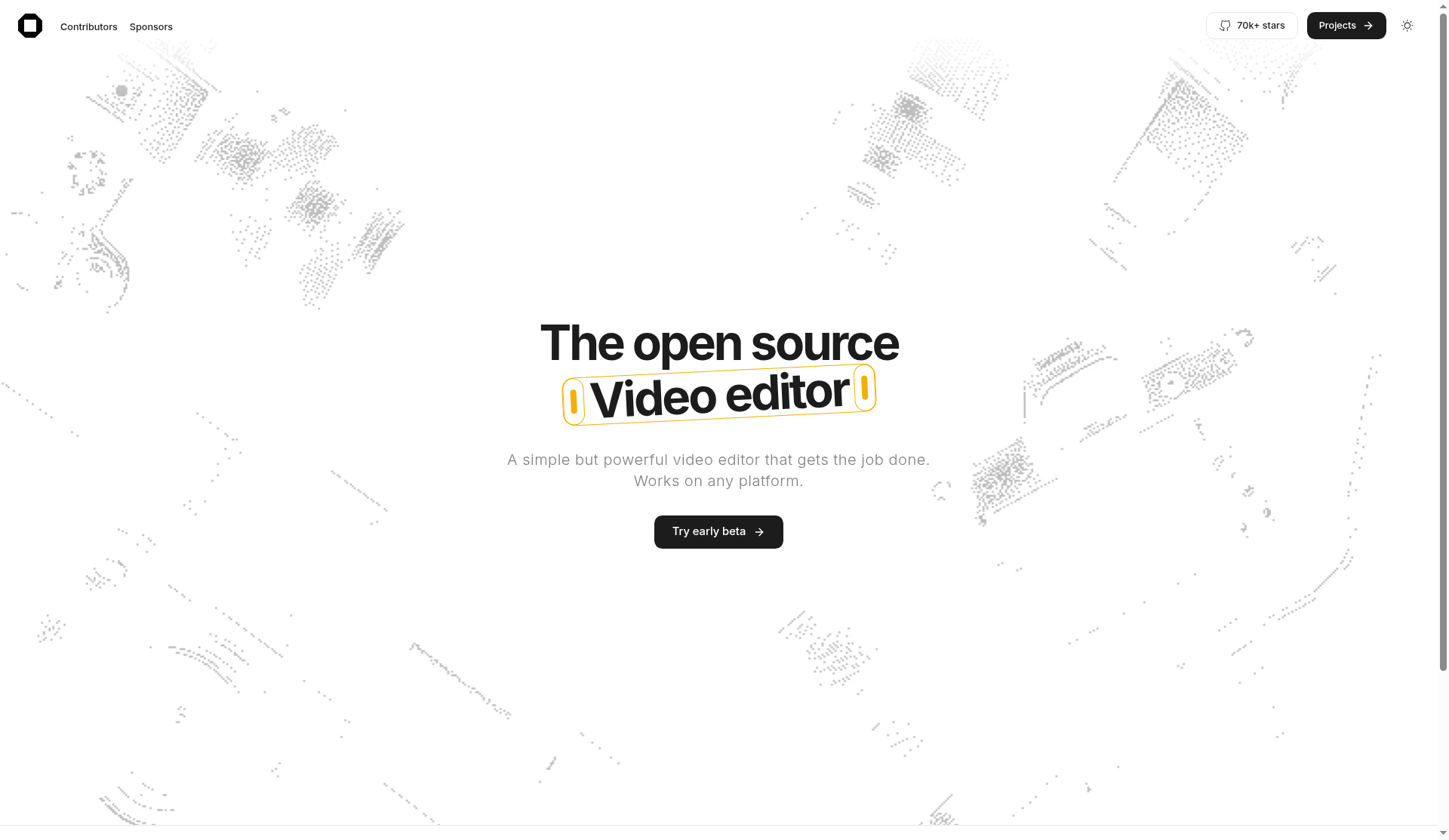
OpenCut is a free, open-source video editor marketed as an alternative to CapCut. It aims for a simple editor that works across platforms, with a privacy-first pitch that your media stays on your device. As of October 2026, the product is in transition: the rewrite is underway in the main GitHub repo, while the version people can use today at opencut.app is still the classic codebase.
What is OpenCut?
OpenCut describes itself as “the open-source CapCut alternative”—a MIT-licensed editor for web (with desktop and mobile in the roadmap for the rewrite). The public site at opencut.app frames it as a simple but powerful video editor that “gets the job done” and works on any platform.
The project’s classic README lists three motivations that still define the brand:
- Privacy — videos stay on your device rather than being pushed into a closed cloud workflow by default.
- Free features — a response to basic CapCut-style features moving behind paywalls.
- Simplicity — CapCut proved that creators want editors that are easy to use; OpenCut tries to match that bar in the open.
Classic vs rewrite: what runs where today
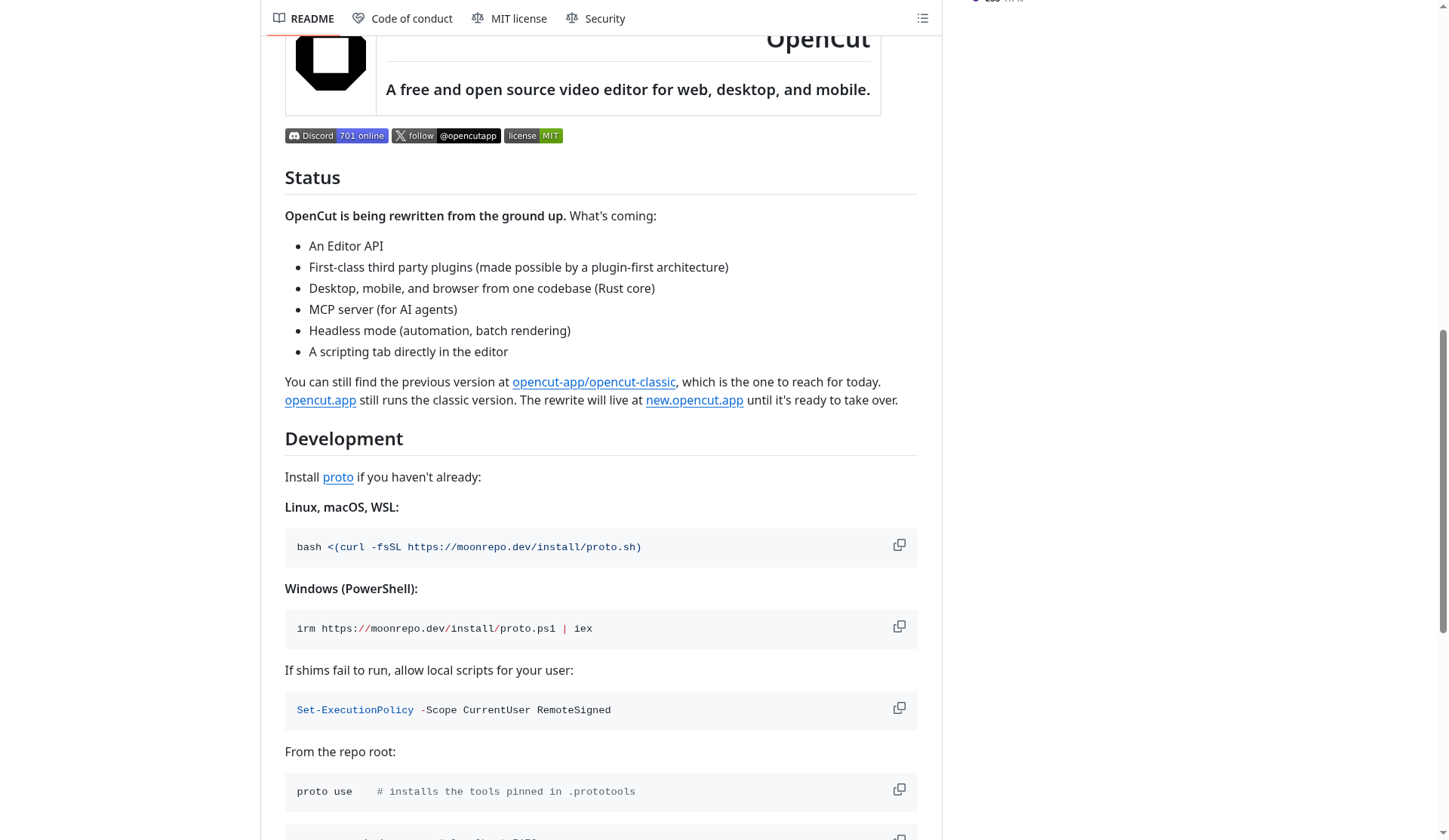
The main repository at github.com/opencut-app/opencut is explicit about status: OpenCut is being rewritten from the ground up. Planned pieces for the new architecture include:
- An Editor API
- First-class third-party plugins (plugin-first design)
- Desktop, mobile, and browser from one codebase (Rust core)
- An MCP server for AI agents
- Headless mode for automation and batch rendering
- A scripting tab inside the editor
Until that rewrite is ready to take over, the maintainers point users to the previous version:
- Classic codebase: opencut-app/opencut-classic — described as the original codebase; the classic README states it is archived and no longer maintained.
- Live site today: opencut.app still runs the classic version.
- Rewrite preview: the new stack is intended to live at new.opencut.app until it replaces the classic site.
Outside contributions to the rewrite are paused while the architecture is being designed; the project invites people to follow along on Discord or via GitHub issues instead of submitting code right now.
How to try OpenCut today
- Use the hosted classic editor — open opencut.app in a modern browser. That is the path the maintainers recommend for trying the product now.
- Peek at the rewrite — visit new.opencut.app if you want to see where the project is heading (availability and completeness may change as development continues).
- Read the source — browse opencut for rewrite status and opencut-classic for the archived classic tree. Local classic development historically used Bun (and optionally Docker); the rewrite docs describe a
proto/moontoolchain for web, API, and desktop targets.
If you only need to edit a short social clip, start with the hosted classic site. If you care about long-term architecture (plugins, MCP, headless rendering), follow the main repo and Discord rather than forking classic for new features.
Privacy angle
OpenCut’s classic positioning emphasizes that your videos stay on your device. That is the clearest contrast the project draws against cloud-first consumer editors: editing happens locally in the browser/app context instead of requiring uploads to a proprietary pipeline for everyday cuts.
As with any browser-based tool, you should still review what the live build sends for accounts, analytics, or optional cloud features before treating it as a zero-telemetry offline suite. The public messaging, though, is deliberately privacy-forward: keep media local, keep the editor open source, and avoid paywalling basic timeline tools.
OpenCut vs CapCut (high level)
This is not a feature-by-feature bake-off—CapCut’s catalog of templates, effects, and cloud services changes frequently, and OpenCut’s rewrite means the product surface is moving. At a product level:
| Topic | OpenCut | CapCut (typical consumer pitch) |
|---|---|---|
| License / code | Open source (MIT); classic archived, rewrite in progress | Proprietary closed source |
| Cost model | Free editor; project reacts to CapCut-style paywalls on basic tools | Freemium with paid tiers for many advanced assets/features |
| Privacy stance | Local-first messaging (“videos stay on your device”) | Cloud-connected consumer app ecosystem |
| Maturity | Usable classic web editor; major rewrite underway | Mature, widely distributed consumer product |
| Extensibility roadmap | Editor API, plugins, MCP, headless mode planned in rewrite | Closed platform extensions / partner ecosystems |
Choose CapCut if you need the largest template marketplace and polished mobile-social workflow today. Choose OpenCut if open source, local media handling, and avoiding locked-in consumer subscriptions matter more than feature parity.
Who OpenCut is for
- Creators who want a CapCut-like simplicity without a closed proprietary stack
- Teams that prefer MIT-licensed tools they can audit or eventually self-host
- Privacy-conscious editors who want media to stay on-device for everyday cuts
- Developers watching the rewrite for plugins, automation, and AI-agent (MCP) hooks
Practical tips before you switch editors
If you are evaluating OpenCut after using CapCut or another consumer editor, a few process tips keep expectations realistic while the rewrite lands:
- Export early, export often — treat classic as a capable web timeline, not a finished forever product. Keep master clips outside the browser and export drafts regularly.
- Match the job to the maturity level — short social cuts and privacy-sensitive personal videos are a better fit today than complex multi-cam commercial pipelines that need a long support runway.
- Watch the repo, not just the marketing site — status for plugins, MCP, headless rendering, and mobile/desktop unification is documented in the main README as rewrite goals, not as shipped classic features.
- Join the community channels for roadmap noise — Discord and GitHub issues are where the team currently points people while outside code contributions to the rewrite are paused.
OpenCut’s value proposition is not “feature clone of CapCut on day one.” It is an MIT-licensed, privacy-leaning editor you can try in the browser now, with a public rewrite aimed at a stronger architecture later. That is the honest framing as of mid-October 2026.
FAQ
Is OpenCut free?
Yes. The project is MIT-licensed open source. The hosted classic editor at opencut.app is presented as a free CapCut alternative; always confirm any optional account or cloud features in the live UI.
Should I use classic or the rewrite?
For editing today, use classic via opencut.app (or the archived classic repo for local builds). The main repo is the rewrite and is not yet the “reach for this today” product, per the README.
Is opencut-classic still maintained?
The classic README states the original codebase is archived and no longer maintained, with active work happening in the rewrite repo.
Where can I follow development?
GitHub issues on the main OpenCut repo and the project Discord linked from the README.
Sources verified Oct 14, 2026 (Pacific Time): opencut.app; github.com/opencut-app/opencut README; github.com/opencut-app/opencut-classic README; new.opencut.app.