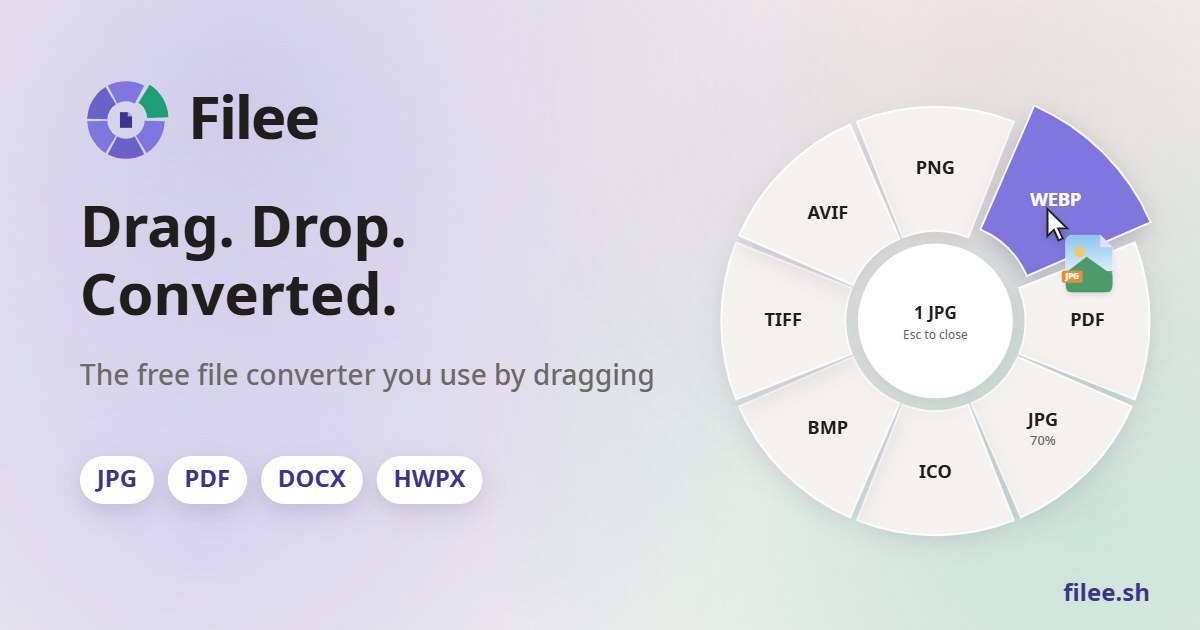
Filee is a free, MIT-licensed offline file converter for Windows, macOS, and Linux that turns drag-and-drop into a “donut” of formats at your cursor—no upload, no account. People searching filee usually want format count, privacy, Office/HWP support, and the GitHub project KnifeLemon/Filee.
This review is based on filee.sh, the README, and recent GitHub releases. Format counts on marketing pages have grown (README still says “180+” in places; the website now lists 244 formats in 17 categories for current builds—use the in-app catalog for what your install supports).
Core idea: convert where you already are
Hold a modifier key (Ctrl on Windows by default, Option on macOS, or your chosen gesture), drag files, and drop them on a format slice. Filee also supports right-click “Convert with Filee,” Send To, a keyboard shortcut, a drop zone, and a filee CLI with watch folders.
- Offline: conversions run on your PC; files are not uploaded
- No Office required: DOCX/XLSX/PPTX and Korean HWP/HWPX convert without Microsoft Office or Hancom Office
- Batch + parallel: many files at once; failures do not stop the rest
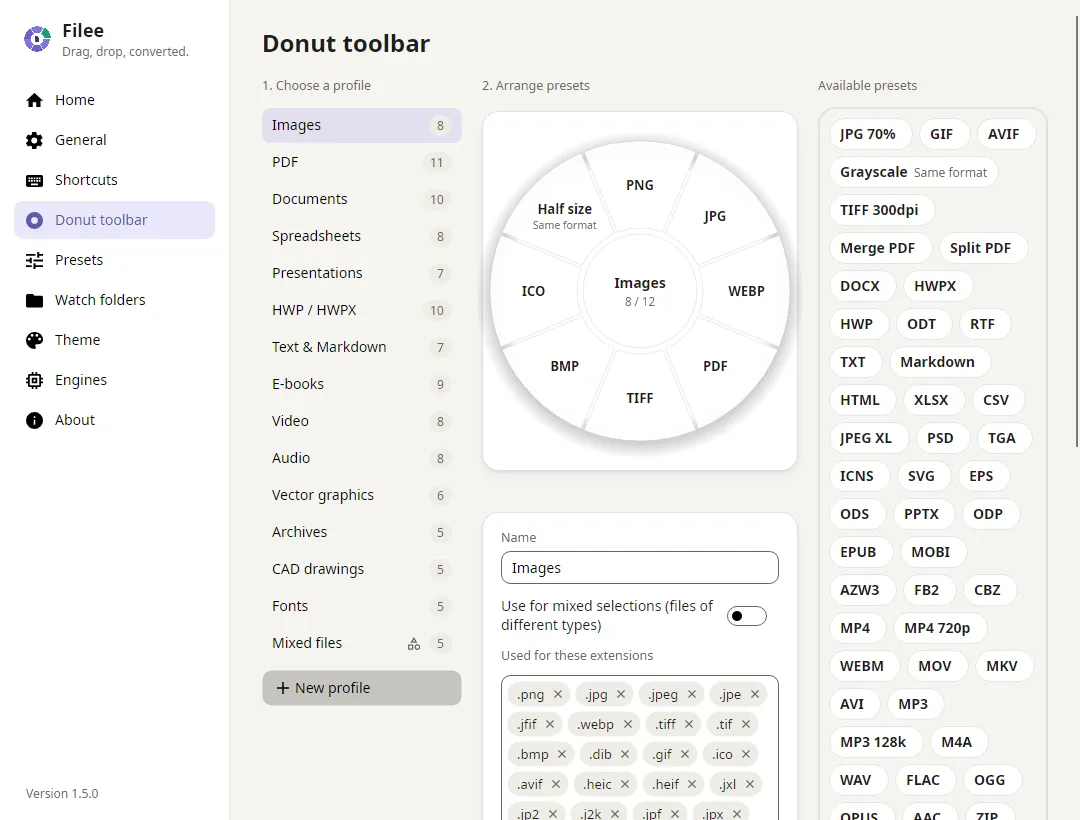
- Presets: quality, DPI, video/audio settings, merge to PDF/ZIP, rotate/flip, Trace to SVG, and more
- Optional engines: FFmpeg, LibreOffice, Calibre, Ghostscript, Pandoc—download in-app when needed
Formats and categories
Official site categories span images, vectors, PDF, documents, HWP/HWPX, spreadsheets, presentations, text/markup, data files, e-books, video, audio, subtitles, archives, CAD, 3D models, and fonts. Recent releases (e.g. 1.11.x notes) added subtitle, data-file, and 3D-model categories plus Trace-to-SVG presets. About 136 formats work right after install; others need an optional engine.
HWP/HWPX support is a standout for Korean document workflows: convert to PDF/PNG/DOCX/Markdown and related paths without Hancom licensing dialogs.
CLI and automation
Windows Setup can add filee to PATH. Examples from the docs:
filee convert *.heic --to jpg
filee watch D:\Inbox --to pdf --move-originals
Watch folders convert whatever lands in an inbox directory—useful for scans and download folders. JSON output and exit codes are available for scripts.
Platform status
- Windows 10/11 x64: stable (installer or portable ZIP)
- macOS 14+ and Linux x64/ARM64: preview builds (macOS not notarized yet; Linux drag gesture prefers X11)
- Version checked: website “at a glance” listed 1.12.0; GitHub latest release tag matched v1.12.0 around Oct 19, 2026 UTC
Privacy policy summary from the project: no usage telemetry; internet is used for update checks (optional), engine downloads you request, and links you click.
Engines and “no Office” reality
Filee’s pitch that Word/Excel/PowerPoint and HWP convert without installing Office/Hancom is central. Optional LibreOffice is mainly for older formats (DOC, PPT, ODT, RTF). FFmpeg covers video/audio and some image edge cases (for example HEIC save paths called out in docs). If you already have FFmpeg, Calibre, Pandoc, Ghostscript, or LibreOffice on PATH, Filee can reuse them and skip downloads.
Compared with browser converters, the win is privacy and batch size: large videos and hundreds of files stay local, and there is no per-day upload quota from a third-party host. Compared with ImageMagick-only or ffmpeg-only scripts, Filee adds the donut UI, presets, Explorer integration, and multi-step routes (for example HWPX → PDF → PNG) without writing a pipeline yourself.
Who Filee is for
- Anyone dumping HEIC/MOV/DOCX batches into online converters and worrying about uploads
- Teams that need HWP conversion without Hancom Office
- Power users who want presets + CLI/watch folders on a local machine
Caveats: macOS/Linux are still previews; large media/office engines are optional downloads; unsigned/notarization caveats apply on some platforms as documented by the author.
Bottom line
Filee is a polished MIT offline converter: cursor donut UX, 200+ formats (244 listed on the site), strong Office/HWP coverage, and a real CLI. Download from filee.sh or GitHub Releases if you want conversions that never leave your disk.
Sources
Sources verified Oct 18, 2026 (Pacific Time)