MOSS-Image is OpenMOSS’s open-weights text-to-image model: a 5B single-stream DiT aimed at bilingual English/Chinese typography, long captions, and layout-guided generation. People searching comfyui moss image usually want ComfyUI template names, which checkpoints to download, VRAM-friendly int8 vs bf16 files, and how layout boxes work—without inventing API credits.
This review is grounded in the official OpenMOSS/MOSS-Image repository, ComfyUI’s MOSS-Image tutorial, and Hugging Face model cards from OpenMOSS-Team/MOSS-Image-SFT and the Comfy repack Comfy-Org/MOSS-Image.
What MOSS-Image is
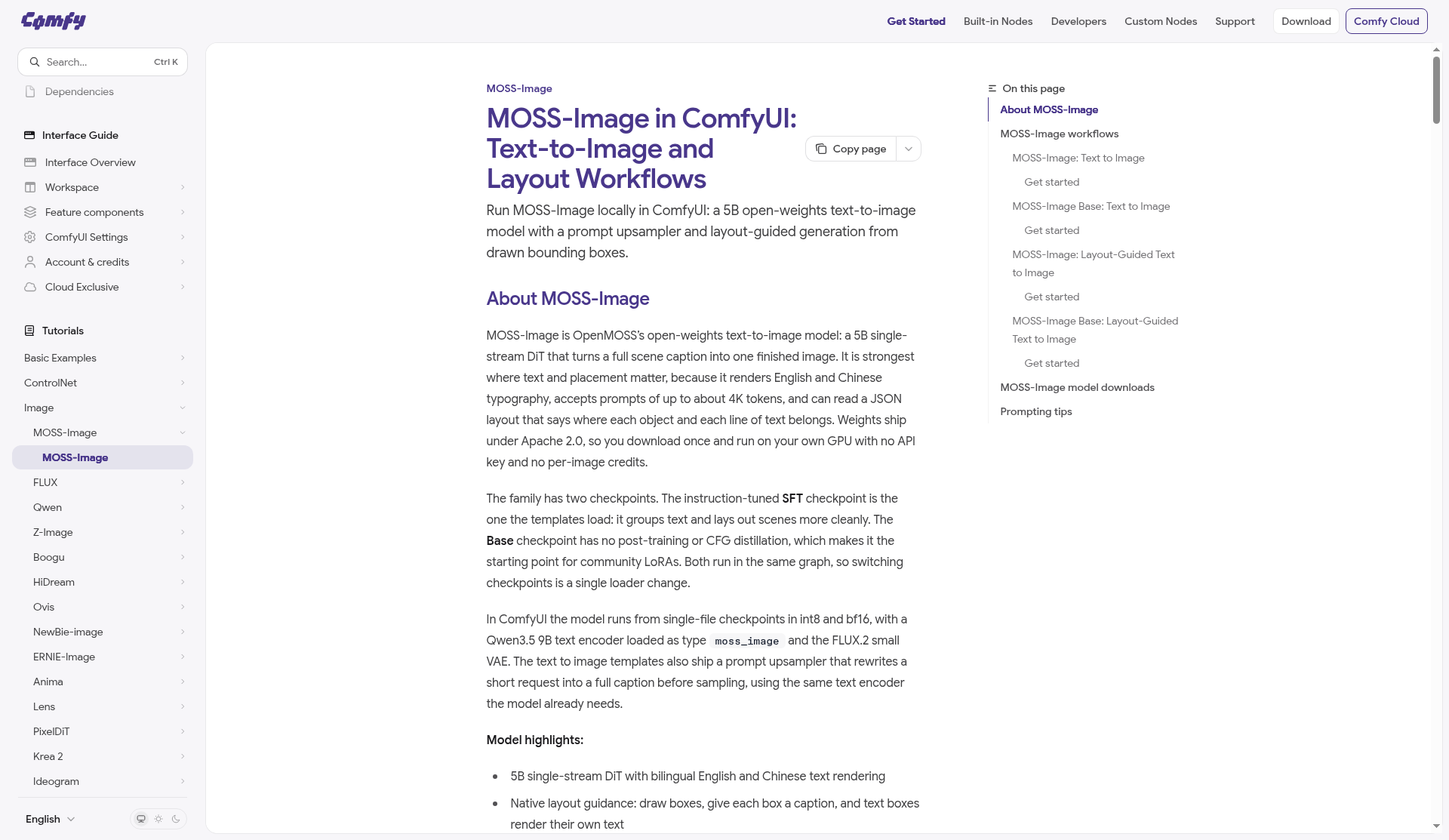
According to ComfyUI docs and the GitHub description, MOSS-Image turns a full scene caption into one finished image. Highlights stated by OpenMOSS and Comfy:
- 5B-parameter single-stream DiT backbone (compact relative to many frontier image models)
- Apache 2.0 weights—download once, run locally, no per-image API key
- Strong English and Chinese text rendering inside images
- Prompts of roughly up to 4K tokens
- Native layout guidance: JSON / drawn boxes that place objects and lines of text
- Two public checkpoints: SFT (instruction-tuned; cleaner layouts/text grouping) and Base (no post-training / CFG distillation; preferred starting point for LoRAs)
GitHub news notes day-0 support (2026-10-16) in ComfyUI, SGLang, and vLLM-Omni; the technical report is on arXiv as 2610.23374.
ComfyUI requirements and templates
ComfyUI’s tutorial states MOSS-Image templates need ComfyUI 0.41.3 or later. Search the Template Library for:
- MOSS-Image: Text to Image (SFT + prompt upsampler on)
- MOSS-Image Base: Text to Image
- MOSS-Image: Layout-Guided Text to Image
- MOSS-Image Base: Layout-Guided Text to Image
In ComfyUI the stack uses single-file diffusion checkpoints (int8 and bf16), a Qwen3.5 9B text encoder loaded as CLIP type moss_image, and the FLUX.2 small VAE (flux2-vae_small.safetensors). Templates also ship a prompt upsampler that expands a short idea into a full caption before sampling (same encoder the model already needs). The caption actually used appears in Preview Any.
Official OpenMOSS also documents a native ComfyUI plugin (search “MOSS-Image” in ComfyUI Manager) while integration into the official ComfyUI repository is described as in progress—prefer the live Comfy docs for which path your build uses.
Model downloads (Comfy-Org pack)
Files live under Comfy-Org/MOSS-Image. Templates load the int8 checkpoints by default; bf16 builds are in the same repo for more VRAM:
moss_image_sft_int8_convrot.safetensors/moss_image_sft_bf16.safetensors→models/diffusion_models/moss_image_base_int8_convrot.safetensors/moss_image_base_bf16.safetensors→ sameqwen3.5_9b_w4a8_gptq.safetensors(and other encoder variants listed on the HF card) →models/text_encoders/flux2-vae_small.safetensors→models/vae/
Prompting and layout tips (vendor-stated)
- Describe the finished image (caption style), not a chatty instruction like “make me a poster.”
- Set
enable_prompt_upsamplertofalseon the subgraph if you need exact wording. - For placement-critical posters, use the layout workflow: draw boxes, caption each; text boxes render their own text. JSON layouts use formats documented on HF (
bbox_format: "yxyx",bbox_coord_space: "abs_centralized"in the Python/Gradio path). - Canvas: multiples of 16; trained roughly 1–2 MP, with extrapolation about 0.25–4 MP per Comfy docs.
- Templates often run 25 steps, CFG 2.5,
er_sdefor speed; official look cited as 50 steps, CFG 3. Python defaults on the SFT card match 50 steps / guidance 3.0 with negative-branch skip at layer 22.
Python / Gradio path (outside Comfy)
If you are not starting from templates, the OpenMOSS and Hugging Face SFT cards show a Diffusers custom pipeline (pipeline_moss_image) with defaults of flow-matching Euler, 50 steps, CFG 3, shift 5, and negative-branch skip at layer 22. Dimensions must be positive multiples of 16. Gradio is available via pip install -e '.[ui]' and python gradio_app.py against Base or SFT IDs. DiffSynth-Studio documentation (linked from the Oct 20, 2026 GitHub news item) covers full fine-tuning and LoRA training for both checkpoints—useful when Comfy is only your inference UI.
For layout-to-image outside the canvas node, serialize JSON with summary.caption and items, then pass it as the prompt. That is the same control surface the Comfy layout templates expose visually.
Who should try it
- Local ComfyUI users who need readable on-image text (EN/ZH) and box-level layout without a hosted T2I API
- Fine-tuners who want the Base checkpoint under Apache 2.0 (freeze the text encoder when training LoRAs, per Comfy tips)
Caveats: You still need GPU VRAM for the DiT + 9B-class encoder stack (use int8/GPTQ packs when memory is tight). Template names and Comfy version floors can move—pin ComfyUI ≥0.41.3 and re-check the tutorial before publishing workflows.
Bottom line
MOSS-Image in ComfyUI is a practical open-weights path for caption-driven T2I with layout control: 5B DiT, Apache 2.0, SFT vs Base, native templates, and bilingual typography. Start from Comfy’s MOSS-Image tutorial and the Comfy-Org Hugging Face pack rather than third-party mirrors.
Sources
- GitHub: OpenMOSS/MOSS-Image
- ComfyUI docs: MOSS-Image
- Hugging Face: OpenMOSS-Team/MOSS-Image-SFT
- Hugging Face: Comfy-Org/MOSS-Image
- arXiv: MOSS-Image Technical Report (2610.23374)
Sources verified Oct 19, 2026 (Pacific Time)