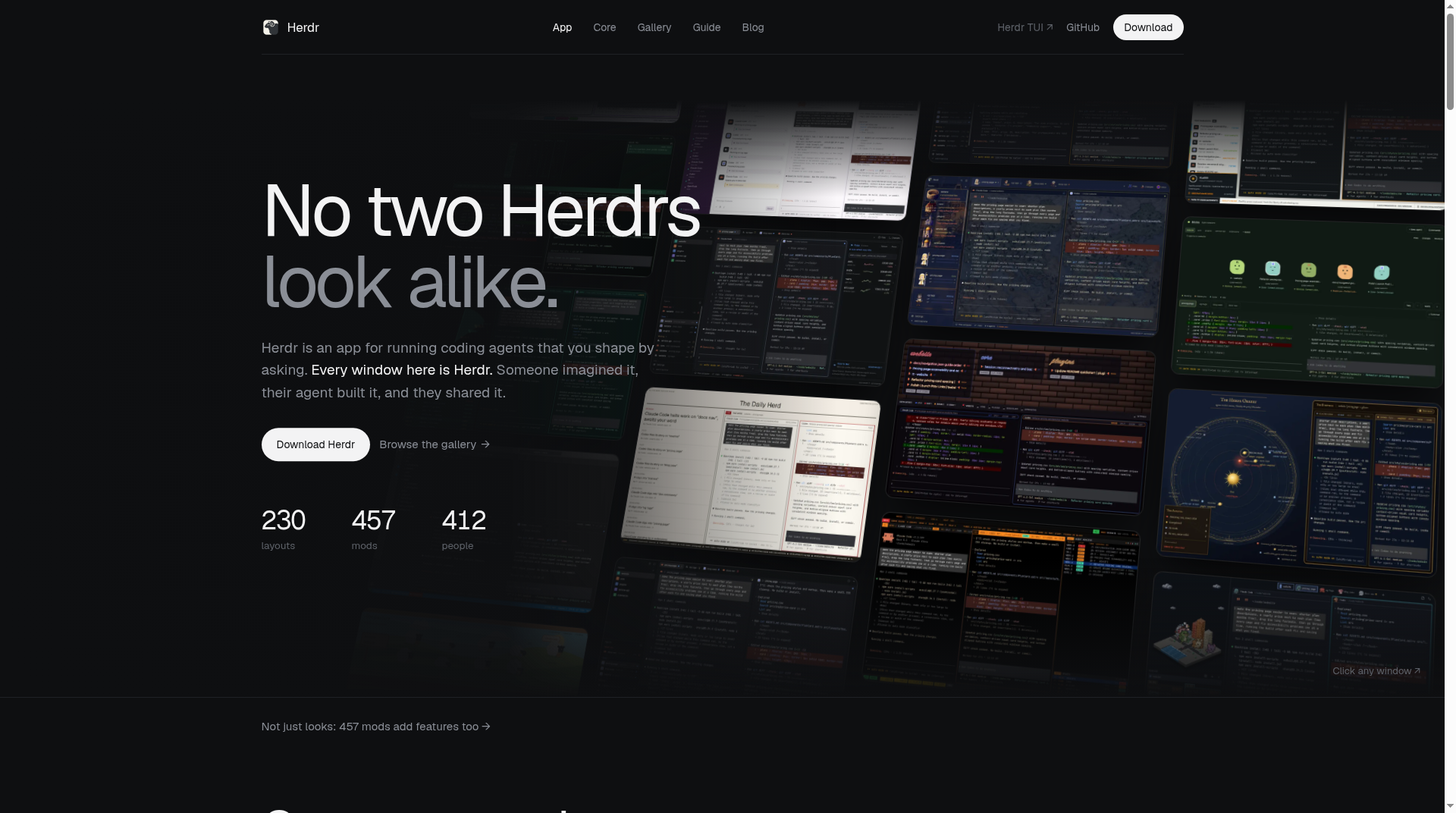
Herdr is an open-source runtime for coding agents that live in real terminals. Instead of wrapping Claude Code, Codex, Cursor, OpenCode, or Grok in a proprietary shell, it owns the panes those tools already run in—keeps them alive after you detach, marks which agent is blocked, and lets agents drive each other through a CLI and socket API. The project’s public home is herdr.dev; the Apache-2.0 source and releases live at github.com/herdrdev/herdr.
What Herdr is (and what it is not)
Official positioning is blunt: “the runtime your coding agents live on.” Herdr is a background server plus clients. Terminal processes belong to the server, so closing a window, dropping SSH, or quitting the UI does not kill the work. After a machine restart, Herdr restores the saved layout and can resume supported agent sessions; the original OS processes themselves do not survive a reboot (see the session-state docs linked from the README).
There are two related surfaces on the same site:
- Herdr TUI — the original terminal app at herdr.dev/tui, still first-class and bundled with the install so a VPS already has a UI when you SSH in.
- Herdr (native app) — a newer desktop client built on herdr-core. The homepage FAQ states the app and TUI do not share agents: work in one does not appear in the other.
Herdr is not a replacement coding agent. It does not invent a new model chat product. It runs the CLIs you already use and adds persistence, status, multi-machine layout, and agent-to-agent control around them.
Why it is trending in SEO terms
Developers juggling several long-running agents hit the same pain: tmux-style detach is not enough when you need agent-aware status, remote machines in one sidebar, and a socket API agents can call. Herdr packages that workflow as one Rust binary (no Electron), which matches how people search the brand keyword herdr alongside install and comparison queries.
Core concepts
The Concepts doc frames Herdr as a terminal workspace manager:
- Workspace — top-level project container (one per repo, task, or investigation).
- Tab — a layout inside a workspace (agents, logs, server, review, and so on).
- Pane — a real terminal process Herdr renders and preserves across client detach; panes split right or down.
- Agent — a process Herdr recognizes in a pane. Documented states include
blocked,working,done,idle, andunknown. - Session — a persistent server namespace; named sessions exist when you need separate runtimes.
Mouse UI is first-class (click, drag splits, right-click menus); keyboard prefix bindings remain available. Mouse capture can be disabled in config with mouse_capture = false.
Install and first attach
Docs versioning on the site listed Latest 0.9.5 at research time; GitHub’s latest release tag matched v0.9.5 (published 2026-10-14). Install paths published on the README / TUI page:
curl -fsSL https://herdr.dev/install.sh | sh
Alternatives listed officially: brew install herdr, mise use -g herdr, and on Windows a PowerShell one-liner from herdr.dev/install.ps1, plus manual binaries from GitHub Releases. Then:
herdr
That launches or attaches to the default background session. The README’s quick loop is: run agents, split panes, walk away; detach with the documented prefix chord and reattach with herdr.
Supported platforms called out publicly: macOS (Apple silicon), Linux (x86_64 and arm64), and Windows (x86_64). Other hosts join over SSH. The install script rejects Android/Termux binaries and points phone users at SSH-to-a-supported-host guidance.
Standout features (from official pages)
- Detach without stopping work — panes live in the server; clients are disposable.
- Agent status at a glance — working / blocked / idle markers so you stop hunting the stuck pane.
- Several machines, one window — add SSH machines; their workspaces and agents sit beside local ones with independent reconnects.
- Agent-native control — CLI and socket API let agents spawn panes, prompt each other, and wait until another agent is genuinely blocked.
- Runs existing CLIs — Claude Code, Codex, Cursor, OpenCode, Grok, Copilot, and others; TUI marketing copy cites 22 agent CLIs detected out of the box.
- Plugins marketplace — extend panes and workflows (TUI page cites thousands of community plugins; treat the live count as marketing snapshot, not a audited inventory).
- One Rust binary — positioned against Electron-heavy agent dashboards.
On the newer app homepage, configuration is described as plain files under ~/.config/herdr-app with an AGENTS.md so your coding agent can reshape layout, keys, and theme from a prompt.
Open source, YC, and licensing
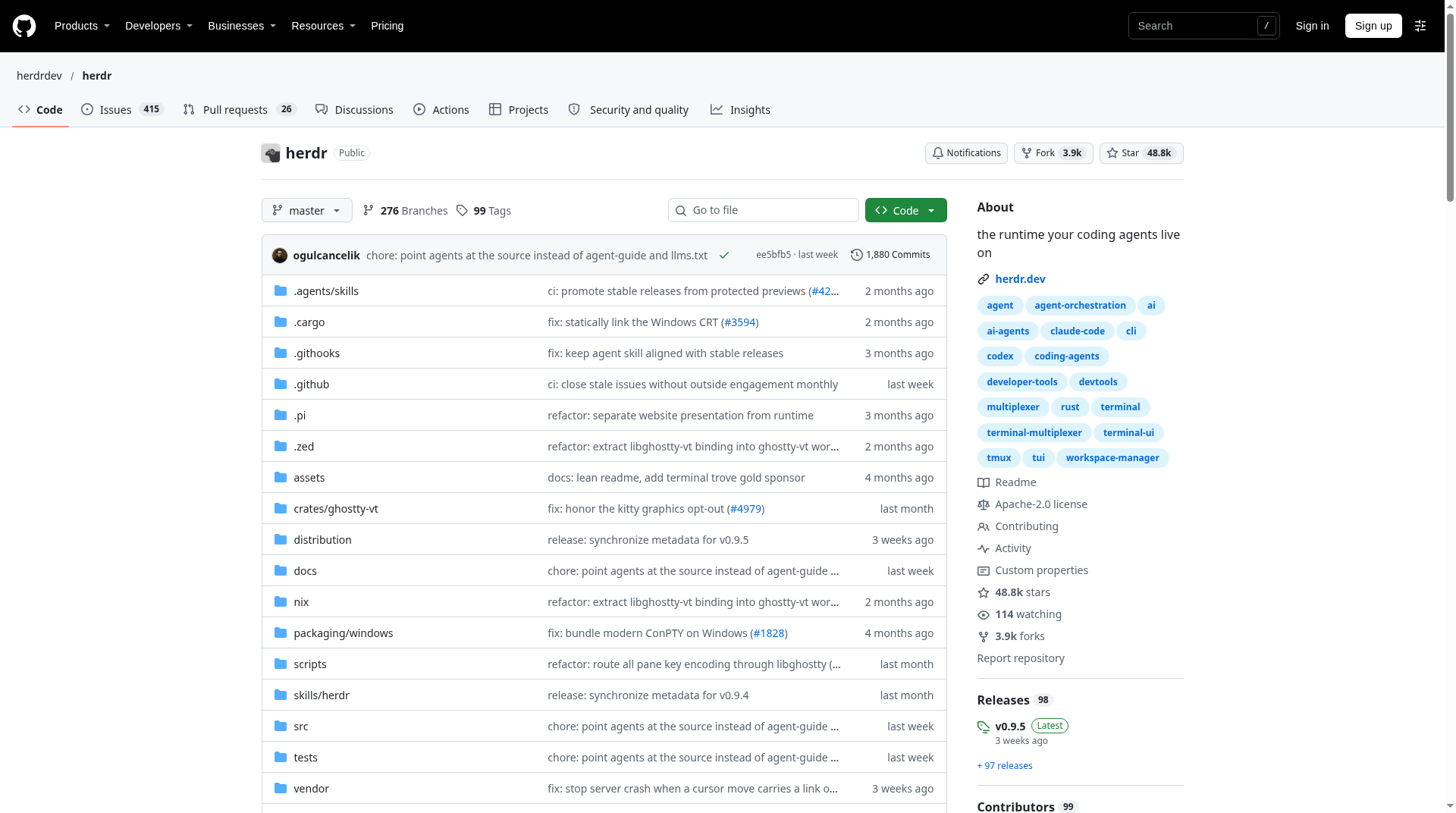
The GitHub repository is licensed Apache License 2.0. An official blog post dated August 6, 2026 — “Herdr is joining Y Combinator. The runtime stays open.” — says the project joined YC’s F26 batch and that the runtime people use today stays free under Apache-2.0 (noting a recent AGPL→Apache switch so others can build on it freely). That is founder messaging, not a securities filing; the durable technical claim for readers is the public Apache-2.0 license on the repo and the installable binary.
At research time the GitHub API reported roughly 48.8k stars and about 3.9k forks for herdrdev/herdr (created 2026-03-27). The TUI marketing page showed nearby snapshot stats (stars, installs, plugins). Prefer the live GitHub / Releases pages when you need an exact number for a pitch deck.
Pros and cons (practical)
Pros
- Solves a real multi-agent ops problem: persistence + status + remote machines without forcing a new agent brand.
- Apache-2.0 runtime with public installers for macOS, Linux, and Windows.
- Agent-facing CLI/socket surface—useful when agents should orchestrate each other.
- TUI stays usable over plain SSH; native app is optional, not mandatory.
Cons / caveats
- Two clients (TUI vs native app) do not share agent state—pick one workflow per machine and document it for your team.
- Reboot still kills original processes; “resume” restores layout/session support, not magical immortal PIDs.
- Windows has a separate endpoint-protected / beta path called out in docs—verify your corporate environment before rolling it out fleet-wide.
- Star/install marketing numbers move daily; always re-check GitHub Releases and the live site before citing them.
Who should try Herdr
Try it if you already run CLI coding agents for hours, bounce between a laptop and a VPS, and want blocked/working status plus agent-driven pane control without abandoning Claude Code / Codex / Cursor.
Skip or postpone if you only want a single chat window with no terminal workflow, or if your security team forbids curl-to-shell installers (use the published GitHub binaries and checksums instead).
Primary links: herdr.dev, Herdr TUI, GitHub repo, quick start, concepts, and the YC announcement post.
Sources verified Nov 6, 2026 (Pacific Time): herdr.dev; herdr.dev/tui; github.com/herdrdev/herdr; concepts; quick start; YC blog post; install.sh; GitHub Releases tag v0.9.5.