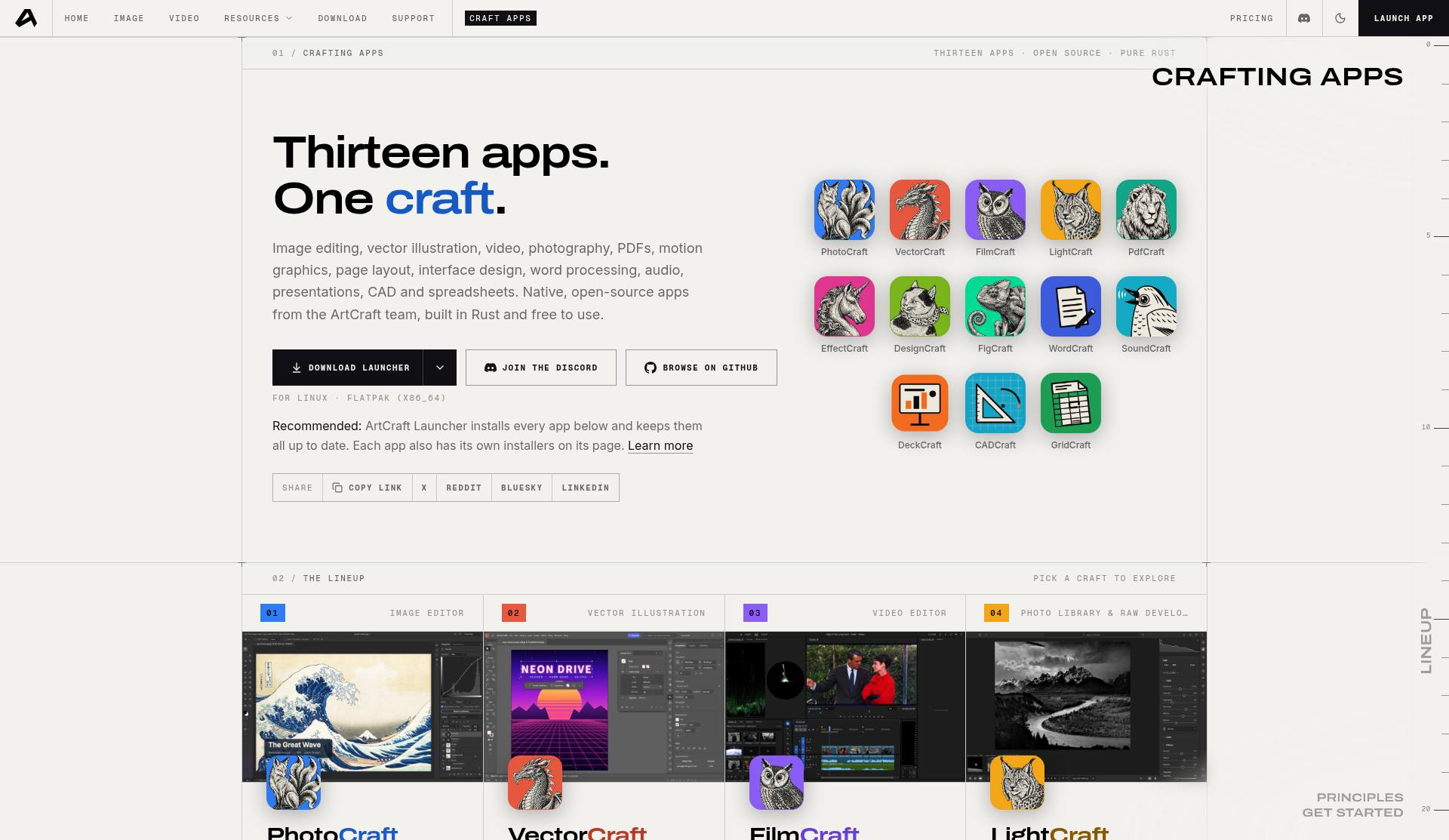
ArtCraft—often searched alongside phrases like adobe artcraft—is Storyteller’s brand for creative tooling. The part most people mean in that search is the Crafting Apps suite on getartcraft.com: a family of open-source, pure-Rust apps positioned as familiar, Adobe-style alternatives for image editing, vectors, video, PDFs, and more.
This review sticks to what the official Crafting Apps page and the PhotoCraft repository state today. The apps are early (alpha or “in development”), permissively licensed, and explicitly not ready to replace daily professional Adobe workflows. They are independent open-source projects from the ArtCraft / Storyteller orbit—not Adobe products and not part of Adobe Creative Cloud.
What the Crafting Apps suite is
The Crafting Apps page describes thirteen apps, open source, written in pure Rust. The lineup spans image editing, vector illustration, video, photography and RAW development, PDFs, motion graphics, page layout, interface design, word processing, audio, presentations, CAD, and spreadsheets. Native builds target macOS, Windows, and Linux; many titles also compile to WebAssembly for the browser.
Apps called out on the official page include:
- PhotoCraft — image editor; labeled early alpha, with installers for macOS, Windows, Linux, and web
- VectorCraft — vector illustration in pure Rust
- FilmCraft — video editing; listed as in development, with desktop installers
- LightCraft — photo library and raw developer that runs on your machine
- PdfCraft — PDF workbench (read, organize, combine, split, secure); early alpha with desktop and web installers
- EffectCraft — motion graphics and visual effects
- DesignCraft — page layout and publishing
- Interface-design and other crafts (including titles such as FigCraft on the apps page), plus more tools described as “on the way”
PhotoCraft’s GitHub README describes the app as an open-source, clean-room reimplementation aimed at Photoshop-like workflows—layers, masks, adjustment layers, layer styles, type, vectors, brushes, and real PSD files—still badged early alpha. The README’s own caution is worth quoting in spirit: it is not yet a Photoshop replacement for daily professional work.
How ArtCraft says the apps are built
The Crafting Apps page lists shared principles:
- Open source — every line on GitHub under permissive licenses; fork and build on it
- Native, not wrapped — pure Rust compiled to real desktop apps; no Electron, no web views for the native shells
- Familiar from day one — layouts, tools, and shortcuts meant to feel known to working professionals
- Your files, your machine — local work without a cloud round-trip between you and the editor
- Agent-ready — drive each app from a CLI, a JSON control channel, or an MCP server
- Also in the browser — many apps compile to WebAssembly (the page lists PhotoCraft, VectorCraft, LightCraft, PdfCraft, EffectCraft, DesignCraft, and several others; FilmCraft is treated carefully regarding web availability on the marketing page)
ArtCraft Launcher is recommended to install every app and keep them updated; each app also publishes its own installers.
License, cost, and the studio vs. apps split
PhotoCraft documents a dual license of MIT OR Apache-2.0 (GitHub’s license API may show Apache-2.0 while READMEs advertise the dual option). The Crafting Apps themselves are free to download and use. Brand/trademark rules for forks typically exclude using the ArtCraft name and logo unchanged—check each repo’s license files before redistributing.
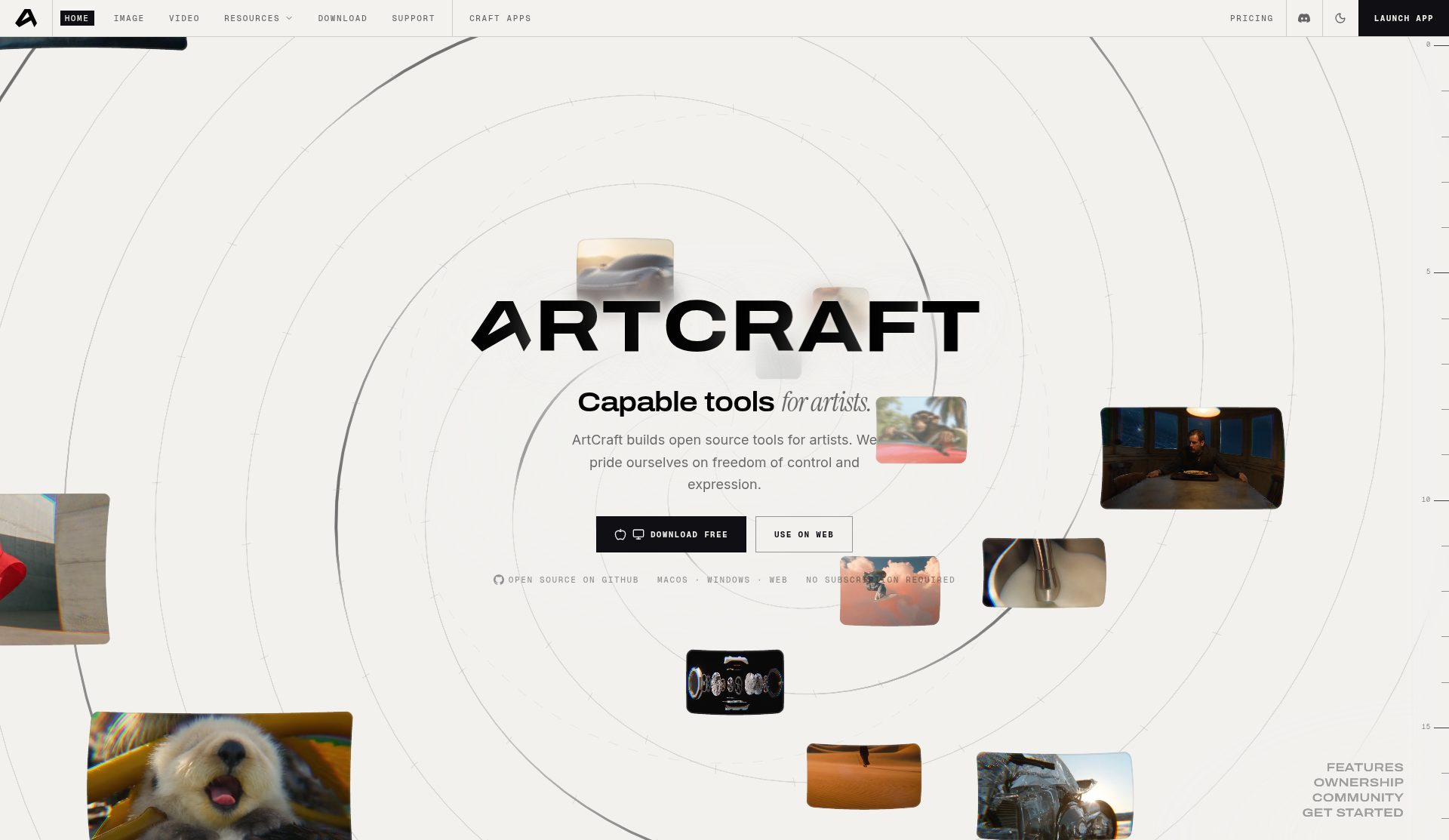
Separately, getartcraft.com markets an ArtCraft studio experience focused on controllable AI generation and compositing (features marketed on the home page include image-to-location, 3D and 2D compositing, character posing, image-to-3D mesh, and background removal). That studio product is not identical to the open-source Crafting Apps binaries. If your goal is local editors that feel Adobe-like, start at getartcraft.com/apps and the storytold GitHub organization (for example storytold/photocraft and storytold/vectorcraft).
Who ArtCraft apps are for right now
- Creatives and developers curious about open-source, Adobe-style UIs implemented in Rust
- Teams that want to automate image or PDF steps via CLI and MCP rather than only clicking a GUI
- People who prefer local, subscription-free tools and can tolerate alpha bugs and fast release churn
- Researchers and educators studying large creative apps written in modern systems languages
They are a poor fit—today—for anyone whose livelihood depends on full Photoshop, Illustrator, Premiere, Lightroom, or Acrobat parity under deadline pressure.
Limitations and cautions
- Maturity: several apps are labeled early alpha or in development. Installers shipping does not equal feature completeness.
- Do not overclaim readiness: menus that look familiar can still miss tools, color-management depth, plugins, and performance polish.
- Trademark clarity: independent Storyteller/ArtCraft projects; not affiliated with Adobe.
- Home page vs apps page: marketing mixes AI studio messaging with the open-source suite—read each page before you install or budget.
- Third-party hands-on notes from October 2026 (for example Linux testing of PhotoCraft and PdfCraft) also stress alpha status and rapid version movement; prefer official READMEs for durable feature claims, and pin versions in automation scripts.
Practical ways to try the suite
- Browse the full lineup at getartcraft.com/apps.
- Install via ArtCraft Launcher, or grab per-app installers from each app page and GitHub Releases.
- For automation, look for each app’s CLI and
mcpsubcommand; PhotoCraft documents a large command registry and agent-oriented workflows. - Pin versions in scripts—alphas can jump quickly between releases.
- If you only need browser trials, follow each app’s web/Wasm packaging notes rather than assuming a single hosted URL for every title.
Bottom line: searches for artcraft or adobe artcraft usually point at an ambitious, permissively licensed set of Rust creative tools with Adobe-like familiarity. Exciting to explore and free to fork—but still early. Treat PhotoCraft, VectorCraft, FilmCraft, and siblings as promising alphas, not production Adobe replacements.
Sources
Sources verified Oct 15, 2026 (Pacific Time)