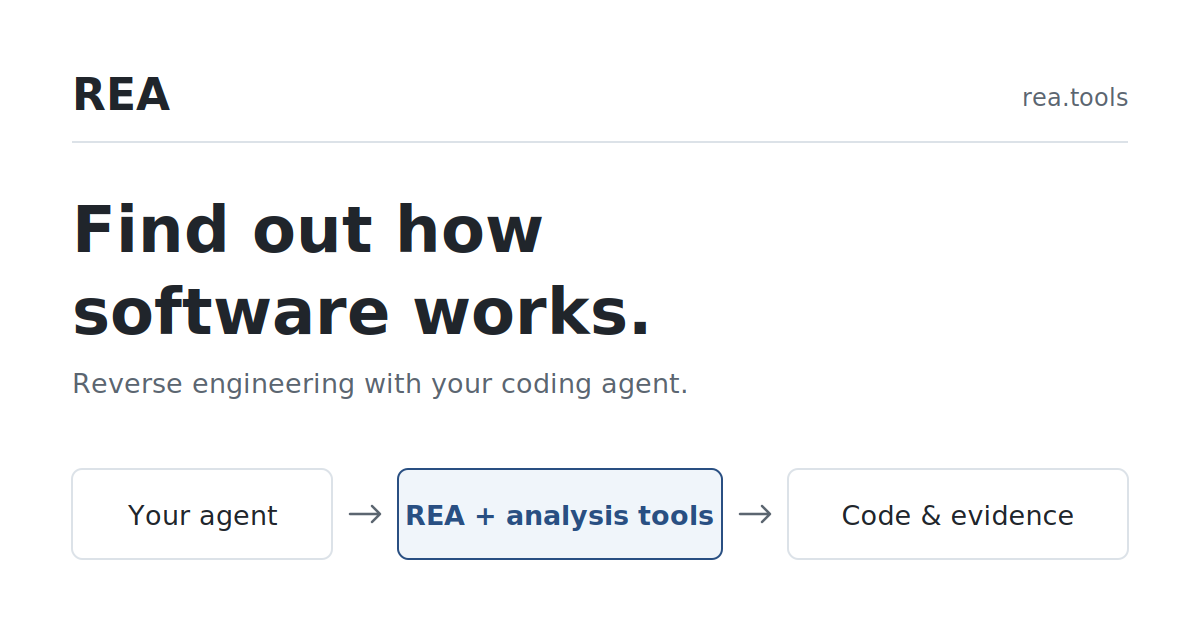
REA (Reverse Engineer Anything) is an open-source MCP server and CLI that gives coding agents reverse-engineering tools for binaries, apps, and runtime behavior—without needing the original source. If you searched for reverse engineering anything, this page covers what REA is, how setup works, what it can analyze, and where the limits are.
Official distribution is through github.com/morluto/rea, rea.tools, and the rea-agents npm package. The project warns that look-alike repos exist; stick to those sources.
What REA does
REA connects your agent to local inspection tools for native binaries, JavaScript/Electron apps, .NET assemblies, websites, and related targets. Analysis runs on your machine. Findings come back with evidence and stated limitations, so the agent (and you) can check the trail instead of trusting a black-box summary.
A typical workflow: you ask the agent to explain a feature in an app you can access, REA inspects the shipped artifact, returns evidence, and the agent uses that to explain behavior or rebuild a similar feature in your project.
Quick install and agent setup
Requirements called out by the project include a supported Node.js line (22.x / 24.x / 26+ with the documented minimum patches) plus npm. With Node installed:
npx rea-agents setup
Setup walks you through supported clients, proposes config changes, and asks for approval before writing them. It registers the MCP server and installs matching workflow instructions (skills), keeping backups of existing config. Restart the agent afterward.
As of the npm check for this article, rea-agents latest was 6.5.0 (MIT). Manual registration examples in the docs pin a version, for example:
{"mcpServers":{"rea":{"command":"npx","args":["-y","[email protected]","mcp"]}}}
Supported setup clients documented by the project include Claude Code, Claude Desktop, Codex, Cursor, Gemini CLI, Windsurf, OpenCode, VS Code, Grok Build, and others listed in the installation guide. You can also use the CLI without MCP:
npx -y rea-agents@latest analyze-javascript-application /absolute/path/to/app --json
npm install --global rea-agents
rea --help
What you can analyze
- JavaScript / Electron — static analysis without a native decompiler engine
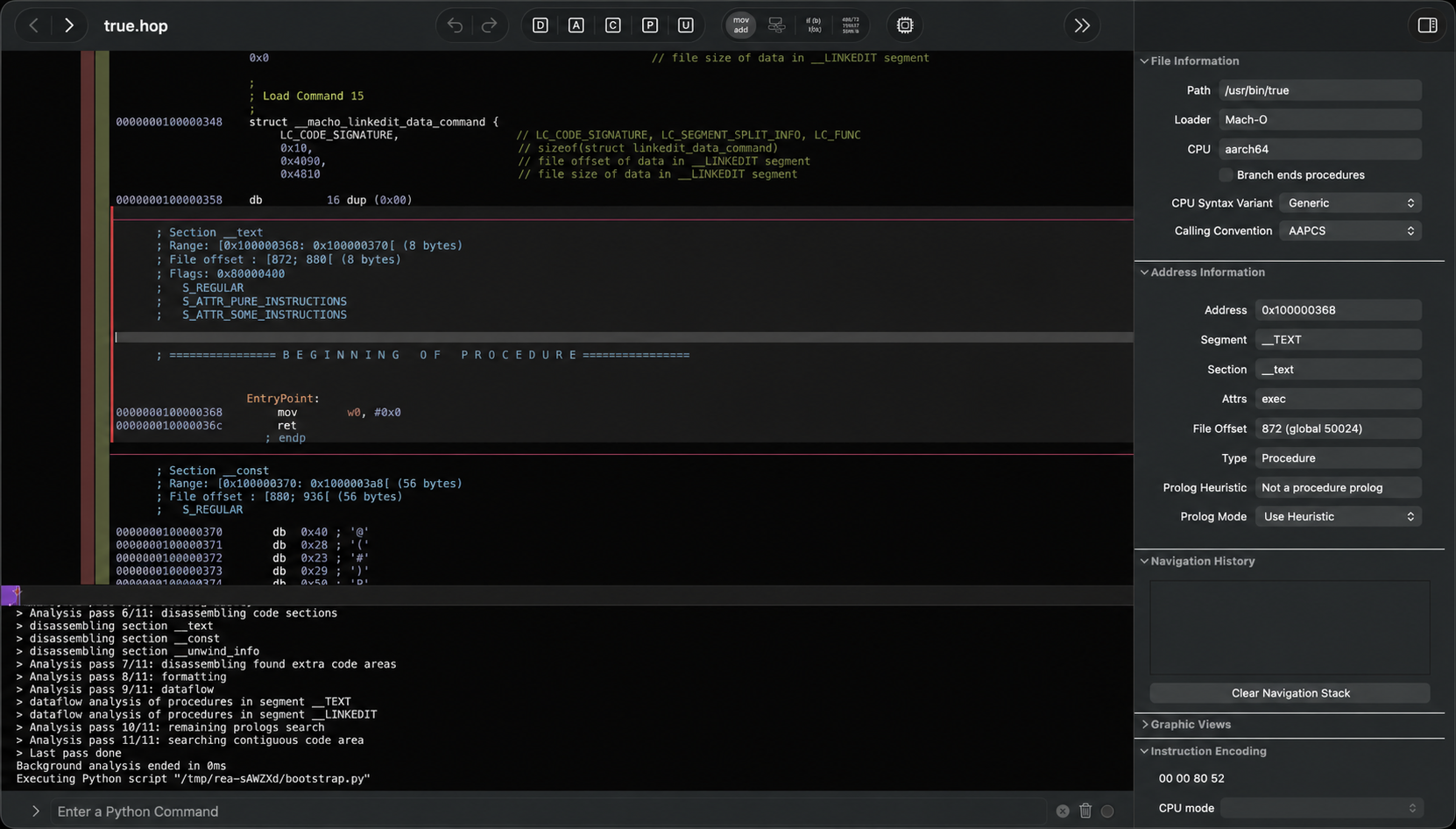
- Native binaries — via an existing Hopper, Ghidra, or IDA install (setup can optionally install Hopper with approval)
- .NET assemblies, websites, firmware-related workflows — covered in the skill/docs catalog for the corresponding tools
Native analysis needs the chosen engine present. JavaScript paths do not. On Linux, some launches require a procps-compatible ps on PATH for ownership checks (see the installation docs).
Pricing and license
REA itself is free and open source under the MIT license. You still need whatever coding-agent subscription your client requires (for example a paid Claude plan for Claude Code), and any commercial license for IDA/Hopper if you choose those backends.
Who it is for
- Developers who want an agent to explain shipped-app behavior with checkable evidence
- Security and interoperability researchers who already use Ghidra/Hopper/IDA and want MCP glue
- Teams reconstructing features from binaries or Electron apps they are allowed to inspect
Limitations and safety notes
- Only analyze software you have the right to inspect. REA does not change legal or ethical constraints.
- Native quality depends on your Hopper/Ghidra/IDA setup;
doctorcan audit registration but a “healthy” flag is workflow-scoped. - Releases move quickly; verify commands against the current README if something fails.
- Get packages only from the official GitHub/npm/website channels.
Bottom line
REA is one of the clearer “agent + reverse engineering” toolchains shipping today: local MCP/CLI, evidence-bearing results, and broad client setup. Treat it as a powerful inspection layer for coding agents—not a substitute for judgment, licenses, or a full interactive RE suite.
Sources
Sources verified Oct 17, 2026 (Pacific Time)