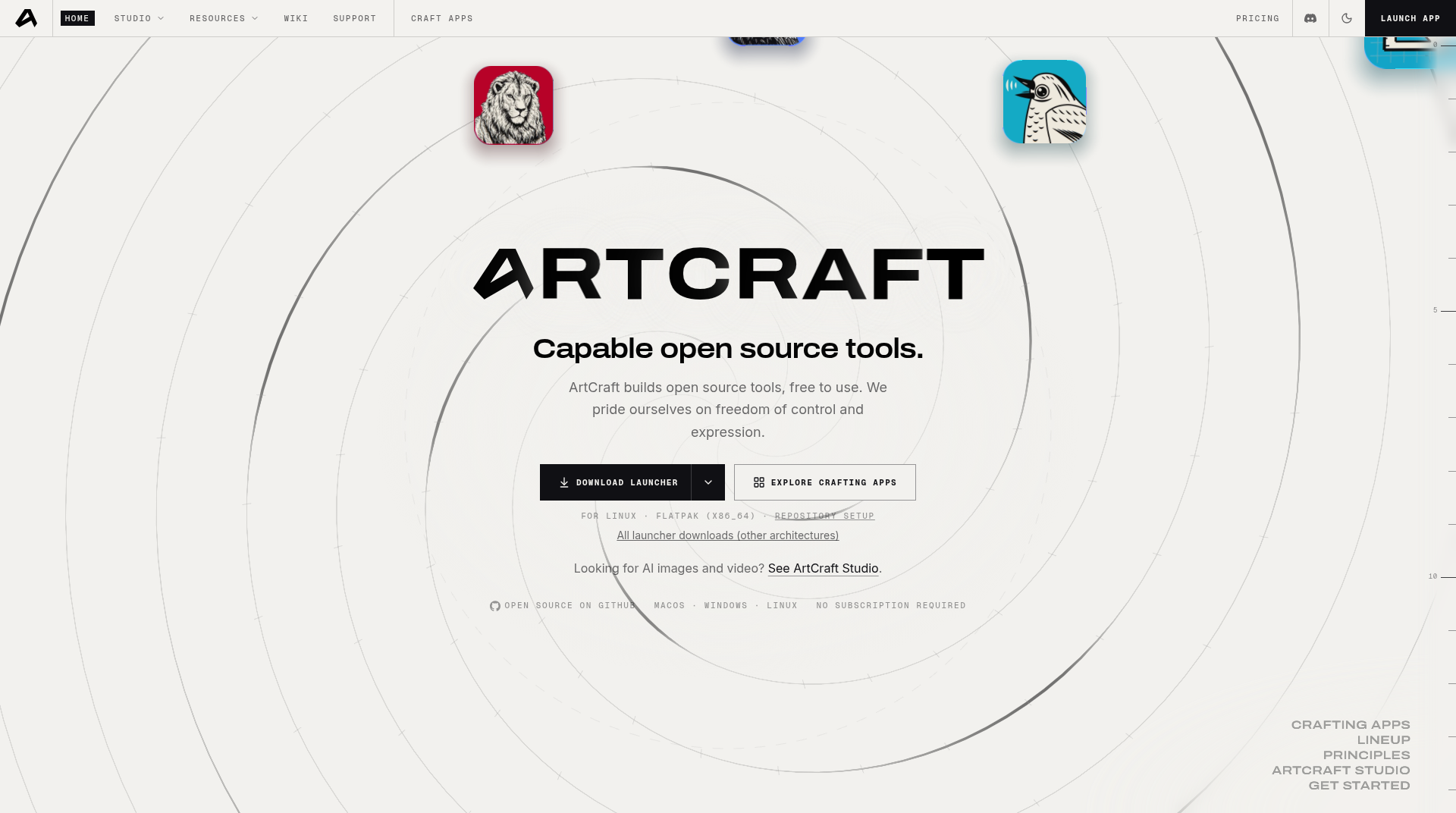
ArtCraft is a free, open-source creative suite: sixteen native Rust “Crafting Apps” plus a separate generative product, ArtCraft Studio. The public home is getartcraft.com. Flagship source lives under the storytold GitHub organization, including PhotoCraft and FilmCraft. The apps are dual-licensed MIT or Apache-2.0 and compiled as real desktop software—the site’s pitch is “native, not wrapped,” with no Electron and no web views. They reuse familiar professional layouts, but they are not drop-in Adobe replacements. Official pages mark most titles early alpha or in development, and PhotoCraft’s README says it is “not yet a Photoshop replacement for daily professional work.”
What ArtCraft is (and what it is not)
The homepage tagline is “Capable open source tools.” Crafting Apps cover image editing, vectors, video, photography, PDFs, motion graphics, page layout, interface design, 3D texture painting, procedural materials, word processing, audio, presentations, CAD, and spreadsheets. Shared rules: source is on GitHub under permissive licenses; work stays on your machine (“no cloud round-trips”); each app can be driven from a CLI, a JSON control channel, or an MCP server; and most titles also compile to WebAssembly. The homepage’s in-browser list names every Crafting App except FilmCraft; FilmCraft’s page still ships a self-hosted filmcraft-web zip.
ArtCraft Studio is a different product—a generative image-and-video app. The download page listed Studio v0.41.1 at research time and a sign-in step after install. Do not confuse it with the Crafting Apps launcher.
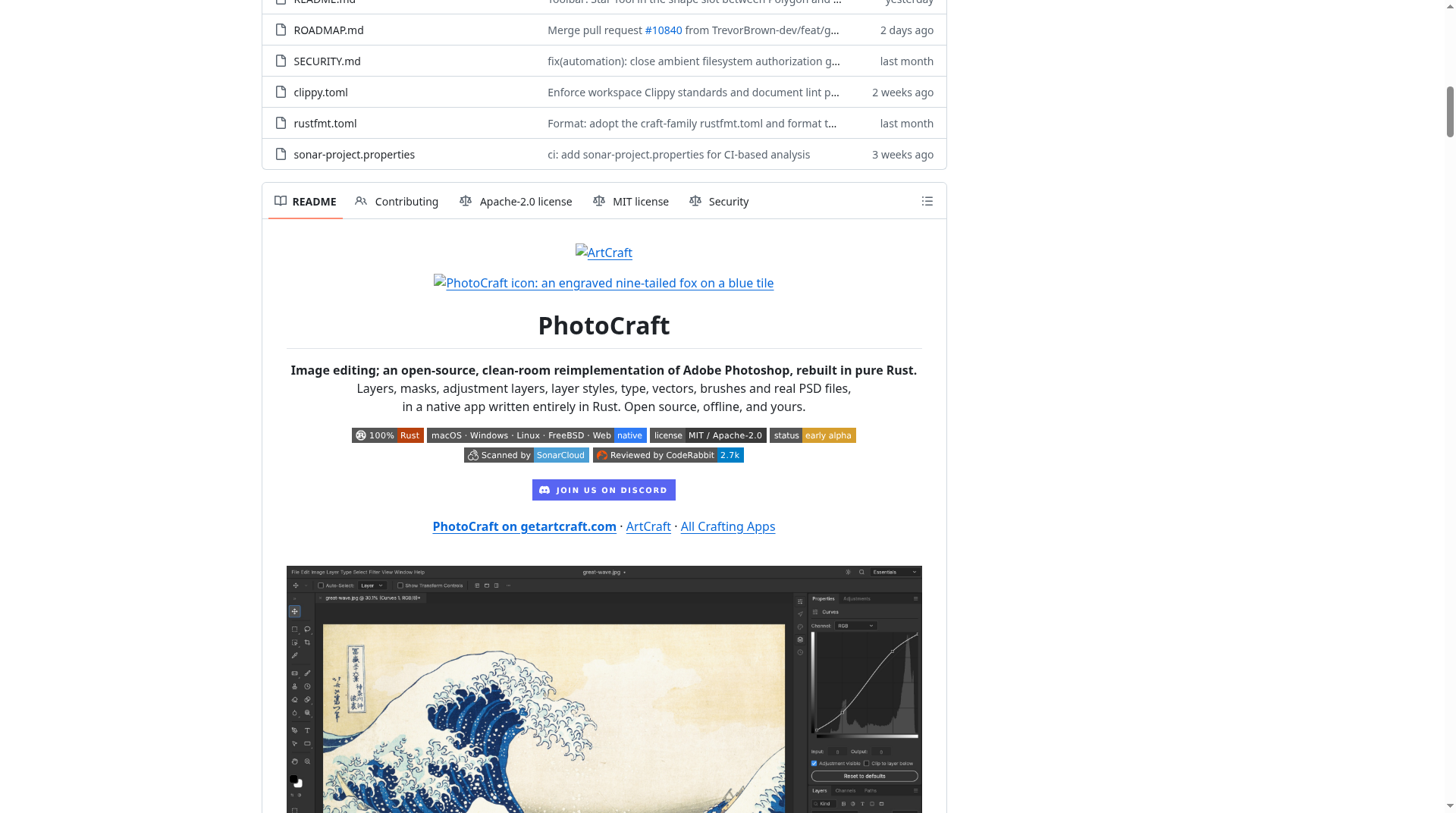
PhotoCraft’s README describes a clean-room reimplementation of Photoshop-style workflows from public specs and observed behaviour, with no proprietary Adobe code, and says the project is independent and not affiliated with Adobe. CineD (October 12, 2026) reported that developer Brandon Thomas said the apps were written in Rust with help from Anthropic’s Claude Opus 5.5. PhotoCraft’s own roadmap estimates remaining work in “Opus 5.5 agent wall-clock hours,” and both flagship repos ship AGENTS.md plus CLI/MCP hooks so agents can drive the same command engine as the UI.
The sixteen Crafting Apps
Status labels are from the official homepage at research time. Installers were listed as ready for every title on macOS, Windows, and Linux (most also list a web build):
- PhotoCraft — image editor (early alpha)
- VectorCraft — vector illustration (in development)
- FilmCraft — video editor (in development; README: alpha)
- LightCraft — photo library and raw developer (in development)
- PdfCraft — PDF workbench (early alpha)
- EffectCraft — motion graphics and visual effects (in development)
- DesignCraft — page layout and publishing (in development)
- FigCraft — interface design and prototyping (early alpha)
- TextureCraft — 3D texture painting (in development)
- MaterialCraft — node-based procedural materials (in development)
- WordCraft — word processing (in development)
- SoundCraft — digital audio workstation (in development)
- DeckCraft — presentations (in development)
- CADCraft — CAD and drafting (in development)
- GridCraft — spreadsheets and data analysis (in development)
- Craft Anything — explore how software works and build your own version (early alpha)
READMEs also mention SolidCraft, a community parametric CAD app from Tangency Labs, outside the official sixteen-app lineup.
PhotoCraft and FilmCraft
PhotoCraft v0.21.0 (released November 6, 2026) is the image editor. Official highlights: a Photoshop-style workspace; a GPU canvas on Metal, Vulkan, DirectX 12, and WebGPU; layered PSD/PSB open and save; 16 adjustment layers; 70+ live-preview filters; smart objects; layer styles; and on-device subject/object selection with no cloud account. The README lists 69 tools and ICC-managed 8/16/32-bit RGB, CMYK, Lab, and Grayscale documents. Automation uses photocraft-cli, a JSON control channel, and MCP.
PSD support needs the project’s own nuance. The product page says 134 of 135 real-world test files “round-trip byte for byte.” The README says opening and re-saving rendered the same for 307 of 309 psd-tools test files, while a re-saved document is not generally byte-identical. The official roadmap (updated October 22, 2026), measured at version 0.6.0 against Photoshop 2026 (27.11.0) on October 10, 2026, published feature breadth ~76% and ready for real work ~45%. It still listed unreliable Photoshop acceptance of PhotoCraft-written PSDs as an alpha reason—keep originals. Other named gaps: generative features, missing tools, typography depth, and plug-ins. Current installers are newer (0.21.0); those percentages are a published snapshot, not a live scoreboard.
FilmCraft v0.18.0 (also November 6, 2026) is the nonlinear editor: Source and Program monitors, three-point editing, standard trim modes, and J/K/L dynamic trimming. An integer timebase keeps 23.976 and 29.97 drop-frame exact. Codecs (H.264, HEVC, ProRes, VP9, AAC, Opus) are written from public specifications (“No FFmpeg inside”; ffmpeg is an external test oracle). Color tools include curves, wheels, HSL secondaries, and scopes; audio includes EBU R128 loudness meters. The product page cites about 55 video effects and 30 transitions; the README describes over 90 effects plus around 30 transitions. Native .prproj import is not supported; official interchange includes FCP 7 XML, FCPXML, OpenTimelineIO, EDL, AAF, and OMF.
The FilmCraft README (re-measured October 10, 2026) publishes feature breadth ~86% and an “honest estimate” of ready for real work ~56%. Named gaps: speed on large footage, no Premiere project import, no VST3 / Audio Units / OpenFX plugins, limited delivery codecs (software H.264; H.265 via hardware encoder; no AV1 export yet), thinner Windows/Linux testing than macOS, few AI features, and no camera RAW.
How to install
The recommended path is ArtCraft Launcher, which “installs every app below and keeps them all up to date.” The homepage listed launcher v0.15.0 at research time; GitHub’s latest tag was v0.16.1 (published November 8, 2026 UTC). Each app also has standalone packages with SHA-256 checksums: universal macOS disk images (signed and notarized); Windows installers and portable zips (x64, x86, ARM64); Linux Flatpak, AppImage, .deb, .rpm, tarball, and Arch packages (x86_64, ARM64, plus RISC-V tarballs); and FreeBSD x86_64 tarballs. Linux repos: getartcraft.com/linux.
To build PhotoCraft from source, the official page requires Rust 1.90 or newer:
git clone https://github.com/storytold/photocraft.git
cd photocraft
cargo run --release -p photocraft
FilmCraft uses the same pattern against storytold/filmcraft, with Rust 1.95 or newer. Prefer official binaries and checksums unless you are developing the apps.
Licensing and GitHub traction
PhotoCraft and FilmCraft are dual-licensed MIT OR Apache-2.0. GitHub’s SPDX field often shows only Apache-2.0 on dual-licensed trees; cite the README. The ArtCraft name and logos are trademarks not covered by those licenses; forks must remove them.
At research time the GitHub API reported about 78,029 stars and 13,807 forks for storytold/photocraft, and about 17,861 stars and 7,321 forks for storytold/filmcraft. Nearby totals included roughly 39,993 stars for storytold/artcraft (the studio engine repo). Counts move daily.
Pros and cons (practical)
Pros
- Native Rust apps, permissive licenses, and no Creative Cloud subscription for the Crafting Apps.
- Familiar workspaces if you already know Photoshop- or Premiere-style tools.
- Offline editing on your own files, plus CLI / JSON / MCP hooks for scripts and agents.
- Broad install matrix and checksummed GitHub Releases.
- Maintainers publish honest readiness numbers instead of “1.0 done” marketing.
Cons / caveats
- Most of the sixteen apps are early alpha or still “in development.”
- PhotoCraft is not a daily Photoshop replacement yet; written PSDs may not reopen cleanly in Photoshop. FilmCraft cannot open
.prprojfiles and still has speed, plugin, and codec gaps. - Official readiness snapshots (~45% for PhotoCraft, ~56% for FilmCraft) are mid-October 2026 measurements, not a guarantee for the current installer.
- ArtCraft Studio is a different product with an account/sign-in path.
- An Envato Elements comparison of PhotoCraft, VectorCraft, FilmCraft, and EffectCraft reached a similar split: useful for learning and smaller projects; keep Adobe when you depend on native project files, plugins, or collaboration.
Who should try ArtCraft
Try it if you want a free, offline, open-source editor with a familiar professional layout and can work on copies of files. PhotoCraft and FilmCraft are the best-documented starting points. Early builds and bug reports live at discord.gg/artcraft.
Skip or postpone a migration if client work depends on Photoshop plugins, Premiere project files, OpenFX or VST ecosystems, camera RAW video, or guaranteed round-trips with Adobe-only collaborators. Then ArtCraft is a parallel sandbox, not a cutover plan.
Primary links: getartcraft.com, all Crafting Apps, PhotoCraft, FilmCraft, the PhotoCraft and FilmCraft GitHub repos, ArtCraft Launcher, and Studio downloads.
Sources verified Nov 8, 2026 (Pacific Time): getartcraft.com; getartcraft.com/apps; PhotoCraft; FilmCraft; Studio download; storytold/photocraft README, ROADMAP.md, and release v0.21.0; storytold/filmcraft README and release v0.18.0; craft-launcher (site v0.15.0 / GitHub latest v0.16.1); GitHub API star counts; CineD, October 12, 2026; Envato Elements ArtCraft vs Adobe comparison.