
Kling 4.0 is Kuaishou’s next-generation Kling AI video model, positioned as a native multimodal system for longer clips, richer references, and more controllable cinematic motion. People searching kling 4.0 typically want launch date, max duration, keyframe/reference limits, resolution/HDR status, and how it differs from Kling 3.0—not rumor specs.
This overview follows Kuaishou’s investor release, the Kling 4.0 feature page, and the long-form Kling 4.0 user guide (platform UI can change; treat the live product as authoritative).
Launch timing
Kuaishou’s GlobeNewswire / IR release states Kling 4.0 officially launched on October 15, 2026 (release text dated Hong Kong, Oct 16, 2026; IR page stamped 2026.10.17). The user guide on Kling AI is dated Oct 14, 2026 and notes that features follow the actual product interface at launch.
Headline capabilities (official)
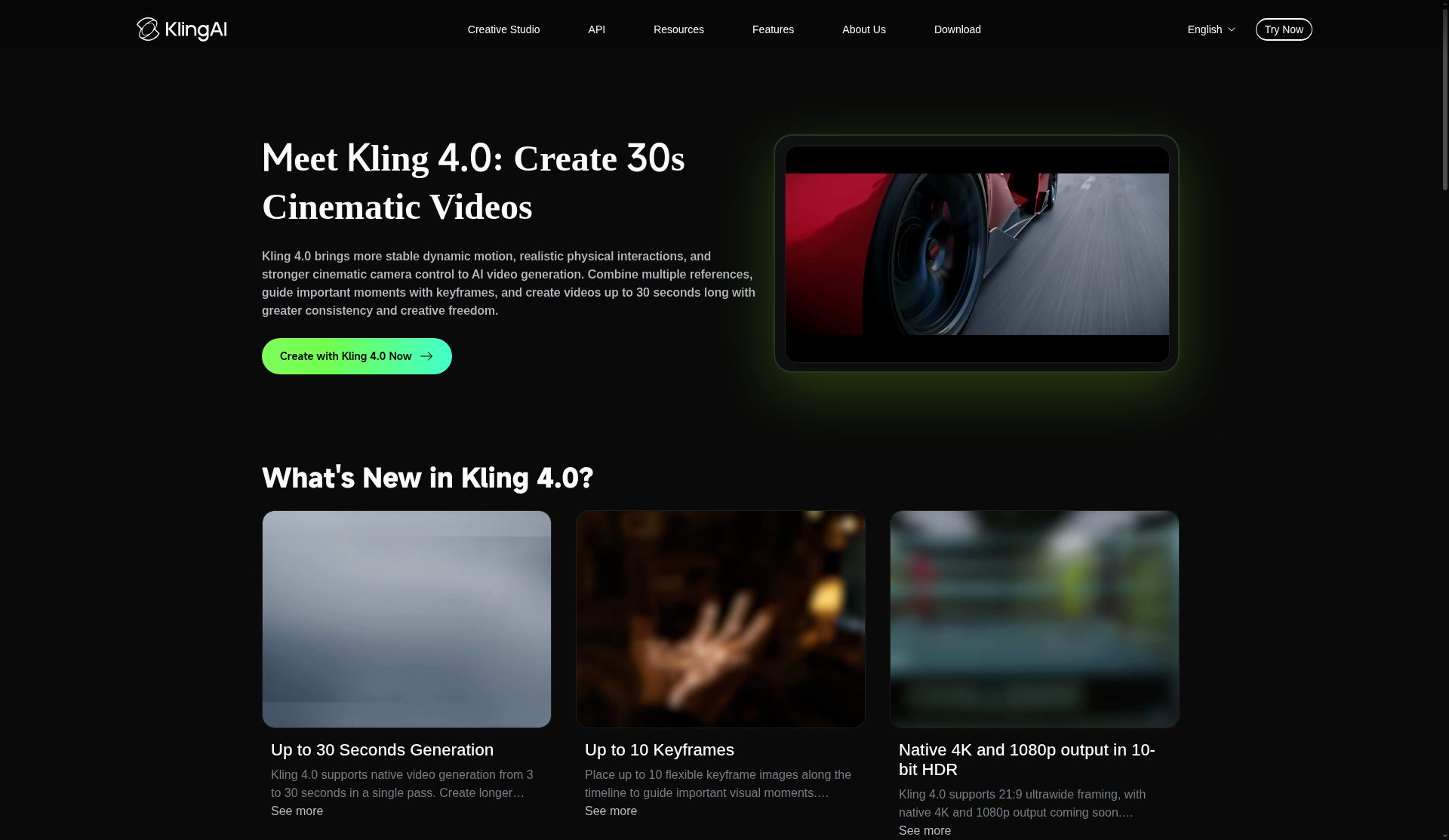
Across the IR note, feature page, and user-guide tables, Kling 4.0 emphasizes:
- Native generation 3–30 seconds in a single pass (vs up to 15 seconds called out for 3.0 on the feature FAQ)
- Up to 10 flexible keyframes along the timeline
- Omni Reference: up to 15 combined reference assets (images, videos, subjects/elements, voice)—with sub-caps such as up to 10 images, up to 5 videos totaling ≤30s, up to 7 elements (including up to 3 video elements), and voice profiles (guide: up to 3 voice profiles per task)
- Stronger large-scale / high-speed motion and camera language (tracking, orbits, push/pull, multi-shot continuity)
- Prompt length up to about 8,000 tokens
- Creative Recreation and targeted video editing (edit character/product/background/camera/style while stabilizing the rest)
- Video Extension toward longer stories—user guide and IR describe multiple extensions up to about 2 minutes, with extension sometimes marked coming soon depending on surface
- Kling 4.0 Flash mode for faster / lower-cost generation (user guide)
Resolution, HDR, audio—read the footnotes
Marketing and docs do not all phrase readiness the same way:
- User-guide capability table lists 720p / 1080p / 4K, aspect ratios including new 21:9, plus 16:9 / 1:1 / 9:16 / Auto, and 10-bit HDR for 1080p and 4K
- The same guide’s overview still marks some 4K/1080p 10-bit HDR wording as coming soon in narrative sections
- Feature-page FAQ similarly says native 4K / 1080p with 10-bit HDR is coming soon while also describing ultrawide support
- IR says Kling 4.0 will also support 4K, 1080p, and 21:9, and supports output of up to 10-bit HDR
Audio: user guide lists two-channel stereo, improved lip sync, and broader multilingual / dialect speech support (Chinese, English, Japanese, Korean, Spanish, Portuguese, German, French, Hindi, plus accents/dialects listed in the guide). Text-in-video support for multiple languages, emojis, and logos is also claimed.
Practical takeaway: plan projects around 3–30s native length and Omni Reference / keyframe limits today; confirm whether your account’s UI exposes 4K/HDR/extension on the date you generate.
Workspace modes
The user guide splits creation into Omni Reference (default; images/videos/voice; broadest control) and Keyframes (images only; precise timeline beats). Those entry points cannot be combined in one generation task. Prompt advice stresses concrete visual description and limiting negative prompts (often only “no subtitles” / “no background music” when needed).
Ecosystem notes from IR
Kuaishou states Kling 4.0 is integrated with Kling MCP and CLI for agent access, and that model capabilities will be offered to enterprise/developers via API. Cannes Lions mentions in the IR note are company claims about prior Kling AI work—not a Kling 4.0-only award list.
Prompting patterns that match the guide
Official guidance prefers concrete visuals over vague aesthetics (“side backlight and matte grain” beats “premium look”). For Omni Reference, assets are numbered in upload order (@Image1, @Video1, …); assign roles explicitly (appearance vs pacing vs camera) or the model may invent bindings. Editing requires language like “Edit @Video1” plus what to change and what to keep—writing only “Reference @Video1” can be treated as recreation rather than an edit. Keyframe mode supports first, last, first+last, and mid-timeline images; without keyframes the model chooses beat timing itself.
These patterns matter more than chasing every resolution badge: 30-second multi-shot prompts with clear asset roles are where Kling 4.0’s control story is strongest in the published manuals.
Who it is for
- Creators who need longer single-pass clips, multi-shot storytelling, and multi-asset reference consistency
- Commercial teams using recreation/editing loops for ads and social variants
Caveats: Availability, credits, and which resolutions are live can differ by region and account tier. Prefer official Kling AI docs over screenshots from unofficial aggregators.
Bottom line
Kling 4.0 (launched Oct 15, 2026 per Kuaishou IR) pushes Kling toward production-shaped control: up to 30s native video, 10 keyframes, Omni Reference up to 15 assets, and clearer edit/recreation workflows—while 4K/HDR/extension readiness should be verified in-product because official pages still mix “available” tables with “coming soon” language.
Sources
Sources verified Oct 19, 2026 (Pacific Time)