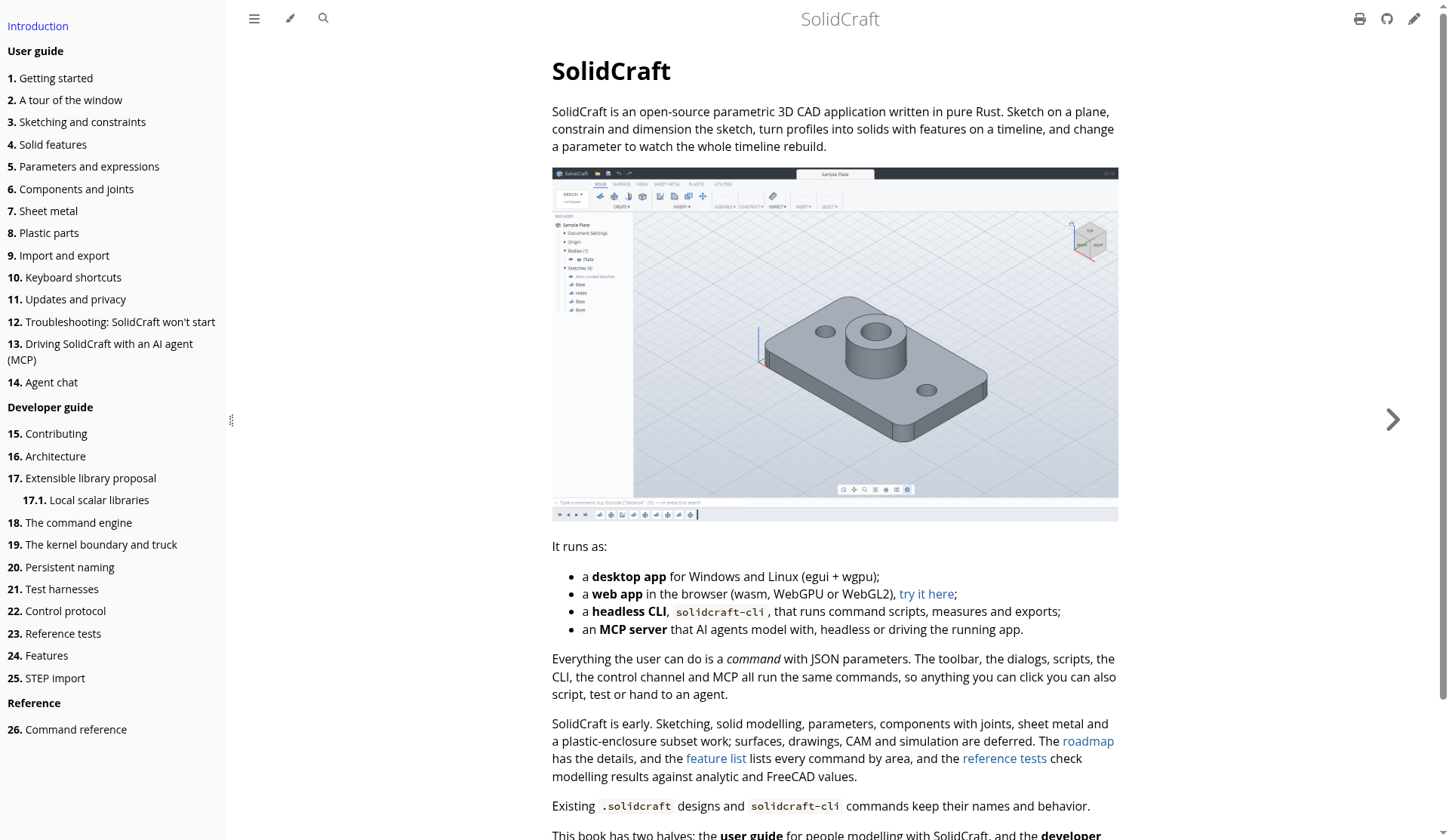
SolidCraft is an open-source parametric 3D CAD application written in pure Rust. You sketch on a plane, constrain and dimension the sketch, turn profiles into solids on a feature timeline, then change a parameter and watch the whole timeline rebuild—familiar parametric CAD ideas in a free, deeply scriptable package.
This review summarizes what SolidCraft is today, how you can run it (desktop, browser, CLI, and MCP), which interchange formats it documents, and where it still falls short of a full commercial suite such as Autodesk Fusion. Important clarity up front: SolidCraft is not affiliated with, sponsored by, or endorsed by Autodesk. Autodesk and Fusion are trademarks of Autodesk, Inc.
What SolidCraft is
According to the official SolidCraft book, the project is early but already usable for simple parts. Sketching, solid modelling, parameters, components with joints, sheet metal, and a plastic-enclosure subset are described as working. Surfaces, drawings, CAM, and simulation are deferred; the roadmap and feature list spell out coverage in more detail.
A defining design choice: everything the user can do is a command with JSON parameters. The toolbar, dialogs, scripts, CLI, control channel, and MCP server all run the same commands. That means anything you can click, you can also script, regression-test, or hand to an AI agent without a separate “automation API.”
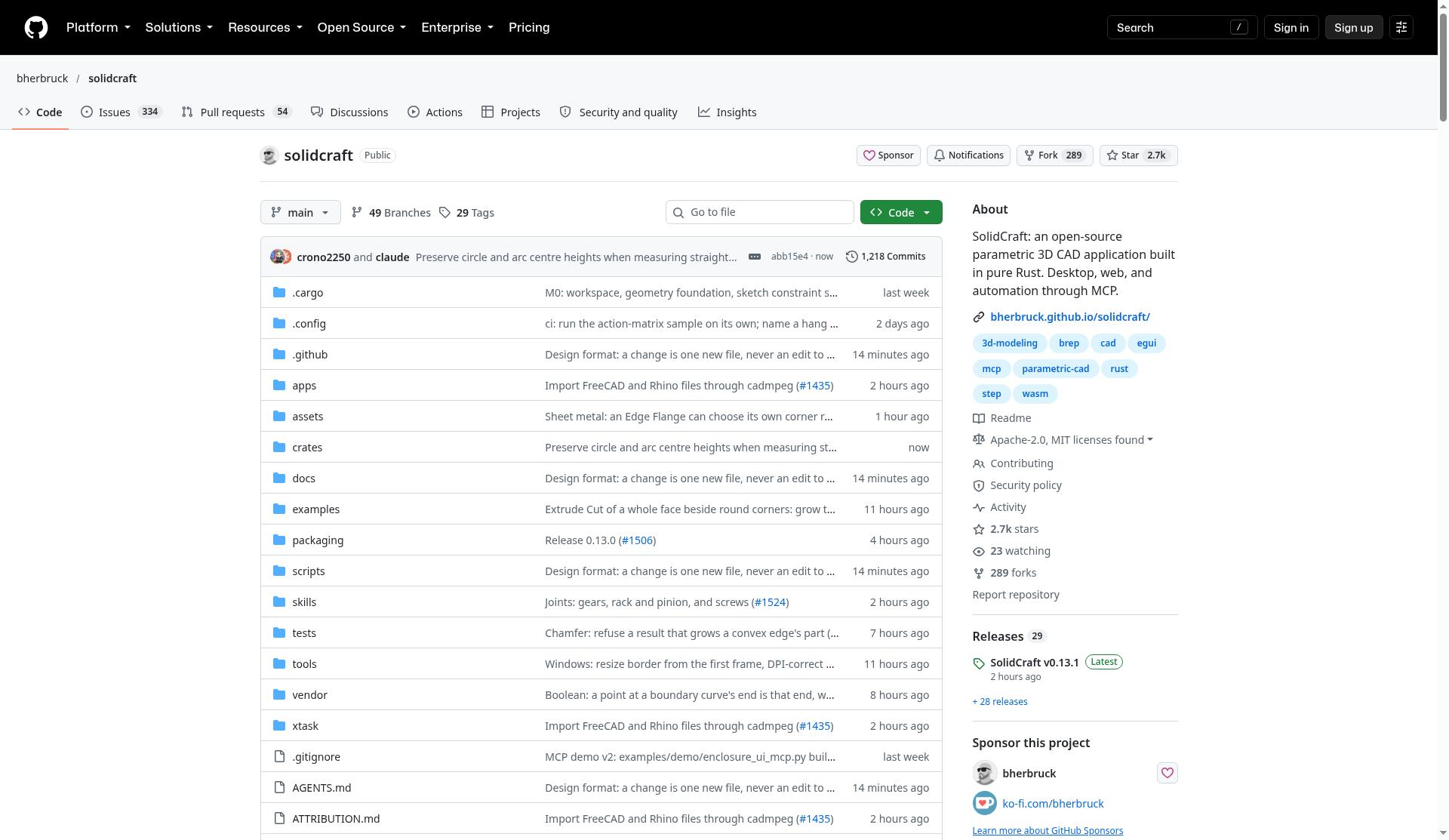
The GitHub README’s status line is candid: “early but usable for simple parts.” Reference tests reported there say 75 of 76 public reference parts match analytic or FreeCAD-computed volume, area, centre of mass, and bounding box—useful confidence for geometry checks, but explicitly not a claim of complete geometric or workflow equivalence with commercial CAD.
Where it runs
SolidCraft ships in several complementary forms:
- Desktop app (
solidcraft) for Windows and Linux (egui + wgpu), with macOS release DMGs described in the getting-started guide - Web app in the browser (WebAssembly with WebGPU or WebGL2), including offline caching after the first visit and optional “install as app” flows in supporting browsers
- Headless CLI (
solidcraft-cli) to run command scripts, measure models, snapshot views, and export - MCP server so AI agents can model headless or drive the running app
Install options documented in the README and getting-started guide include Windows MSI (plus ARM64/32-bit and portable zip), WinGet (winget install bherbruck.SolidCraft), macOS universal DMG, Linux AppImage/deb/rpm, Flatpak, and Snap (sudo snap install solidcraft). You can also build from source with stable Rust (docs mention 1.95 or newer). Downloads are not signed yet, so first-launch OS warnings (SmartScreen, Gatekeeper-style prompts) are expected.
File formats and interoperability
Per the getting-started guide, solidcraft part.step can open a STEP, IGES, 3MF, STL, or OBJ file as a new design, and solidcraft design.solidcraft opens a native design. The README describes export paths including STEP (AP242 with body names, colours, and materials), IGES 5.3, 3MF, STL (binary/ASCII), and OBJ, plus related import/export notes for mesh and glTF workflows.
Units default to millimetres and degrees unless an expression says otherwise (for example "1 in" or "30 deg"), with Z up. Designs, settings, and setups from builds released under the project’s previous product name are documented as continuing to work, with compatibility notes in the guide.
CLI and agent automation
A typical CLI script is a JSON list of commands—create a sketch, draw a rectangle, extrude, fillet—then run or eval for results and measurements. Examples in the docs include exporting STEP, printing volume/area metrics, and taking camera snapshots for documentation. Failed features stop the script unless you opt into --allow-errors.
For agents, solidcraft-cli mcp exposes a Model Context Protocol server. The README documents configuring clients (including Claude Code-style mcp add patterns) and path allow-lists. That automation story is one of SolidCraft’s strongest differentiators versus many GUI-only free CAD tools.
Pricing and license
SolidCraft is free and open source under a dual license: MIT OR Apache-2.0, at your option. There is no CAD subscription—you download binaries from GitHub Releases or build from github.com/bherbruck/solidcraft.
Who SolidCraft is for
- Makers and mechanical hobbyists who want parametric parts without a commercial seat
- Engineers prototyping brackets, enclosures, and other simple solids with a rebuildable timeline
- Developers who need CI-friendly CLI exports and JSON command scripts
- Teams experimenting with AI agents that model through MCP
- Educators exploring open, inspectable CAD in Rust
Limitations (read these before switching)
- Not a full Fusion replacement. Surfaces, drawings, CAM, and simulation are deferred on the project’s own roadmap language.
- Feature coverage is still growing; check the feature list and open issues before committing production tooling.
- Unsigned installers may trigger OS security prompts.
- Some CLI convenience paths have limits—for example, the getting-started notes say designs with components or joints are not yet supported for certain timeline-to-script exports.
- Independent of Autodesk: do not expect Autodesk cloud services, Fusion add-ins, or official Fusion file compatibility beyond the open formats SolidCraft documents.
Getting started quickly
From the getting-started guide, a source build with a sample part looks like:
git clone https://github.com/bherbruck/solidcraft && cd solidcraft
cargo run --release -p solidcraft -- --sample
Or download a release binary, open a STEP/IGES/3MF/STL/OBJ file, try the web app, or drive geometry with solidcraft-cli and solidcraft-cli mcp.
Bottom line: SolidCraft is a promising, permissively licensed parametric CAD stack with an unusually strong automation story. Treat it as early-stage tooling that already models simple parts well—not as a drop-in Autodesk Fusion substitute.
Sources
- SolidCraft documentation (introduction)
- SolidCraft getting started guide
- bherbruck/solidcraft on GitHub
Sources verified Oct 15, 2026 (Pacific Time)